
hyperframes
A deterministic framework for rendering HTML, CSS, and animations into MP4 videos, built for AI agents.


Suggested prompts
About this skill
HyperFrames
Write HTML. Render video. Built for agents.
HyperFrames is an open-source framework for turning HTML, CSS, media, and seekable animations into deterministic MP4 videos. Use it locally with the CLI, from AI coding agents with skills, or as the rendering core behind hosted authoring workflows.
What You Can Build
- Product launch videos and feature announcements
- PR walkthroughs with animated code diffs, narration, and captions
- Data visualizations, chart races, and map animations
- Social videos with kinetic captions, overlays, and music
- Docs-to-video, PDF-to-video, and site-tour explainers
- Reusable motion graphics for automated content pipelines
Preview of Designs
The frame.md design system takes your web-context design spec and inverts it for the frame, so an AI agent can compose a promo video without guessing at scale. Below are some available design templates:




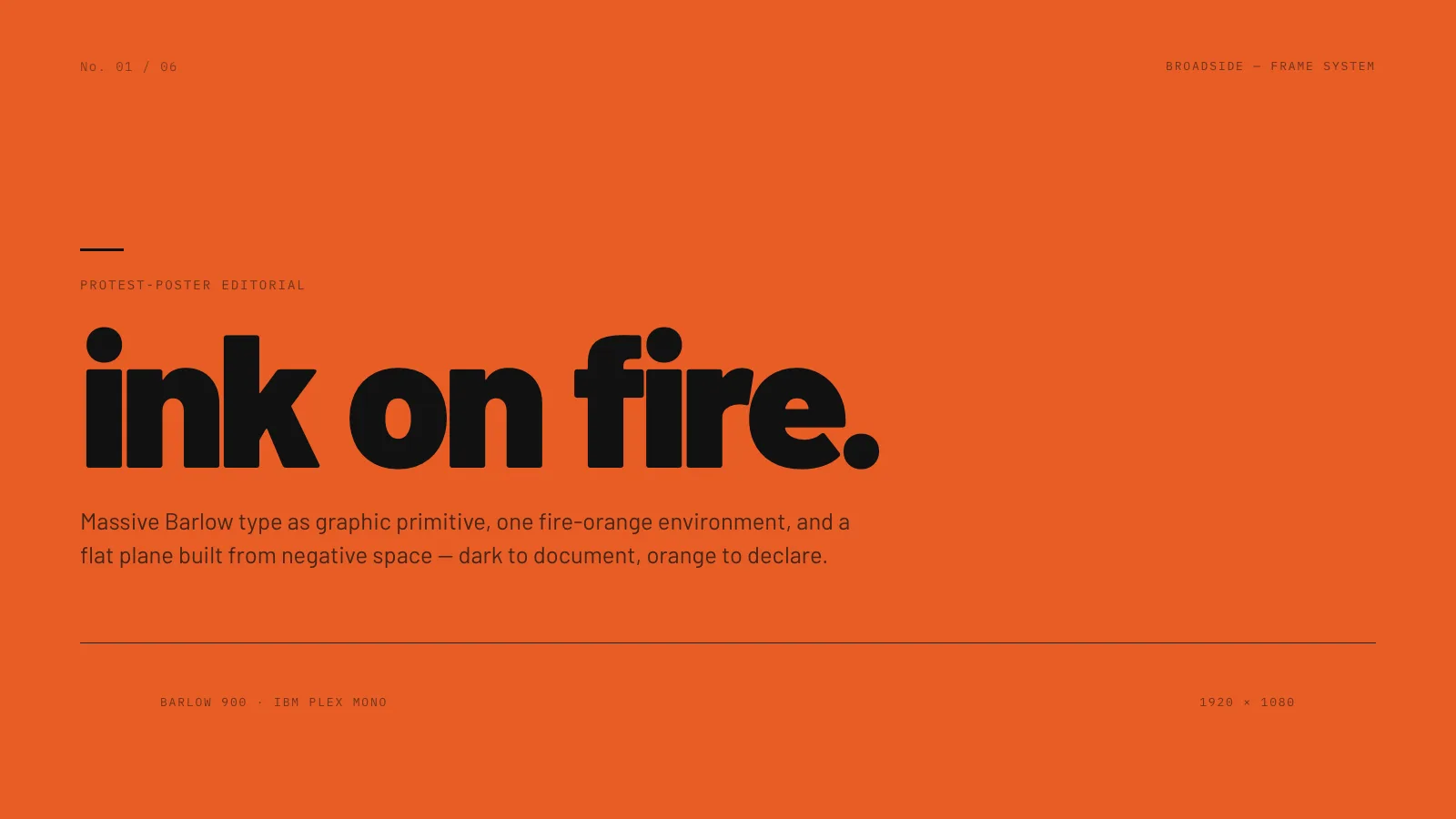
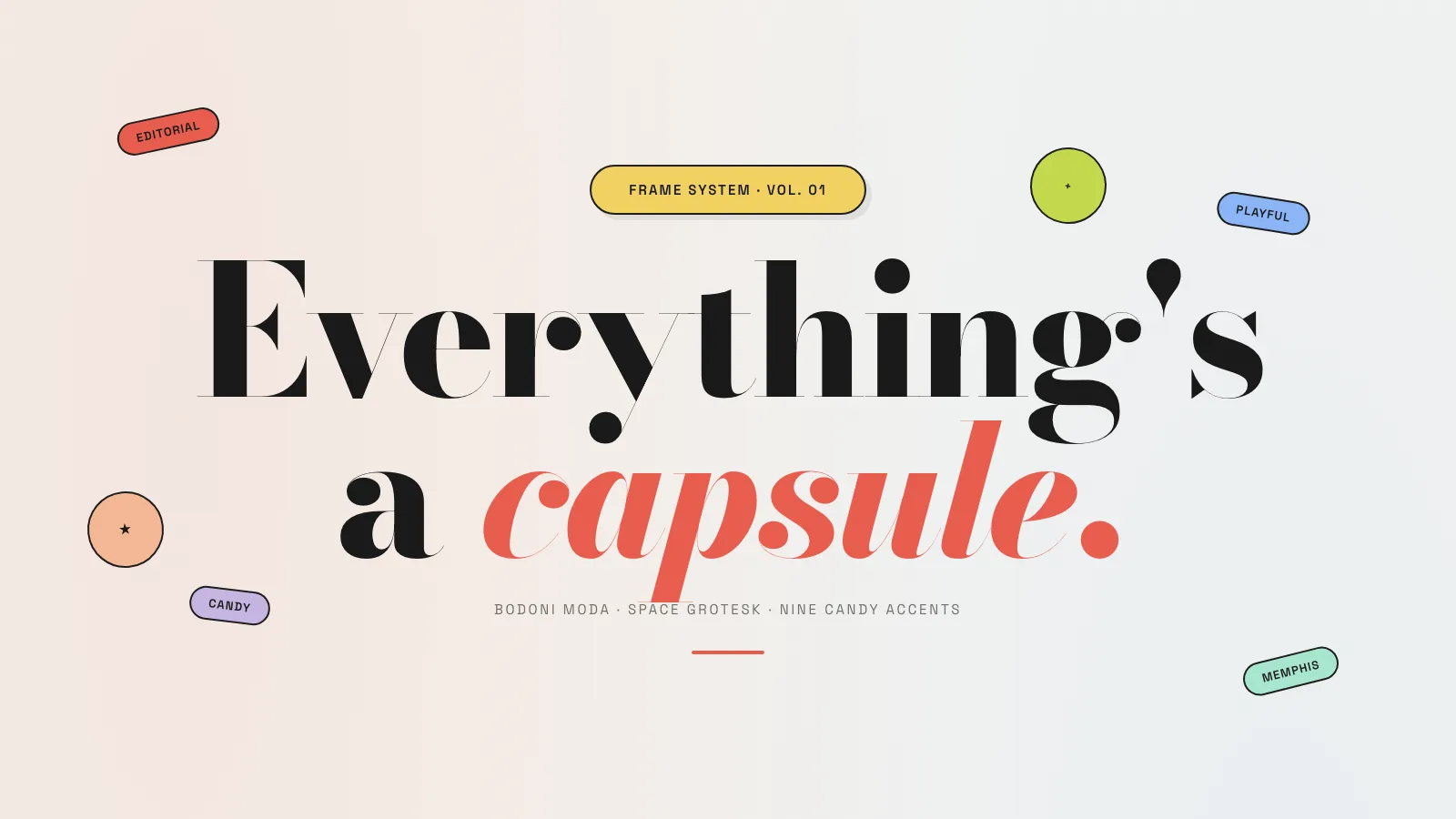
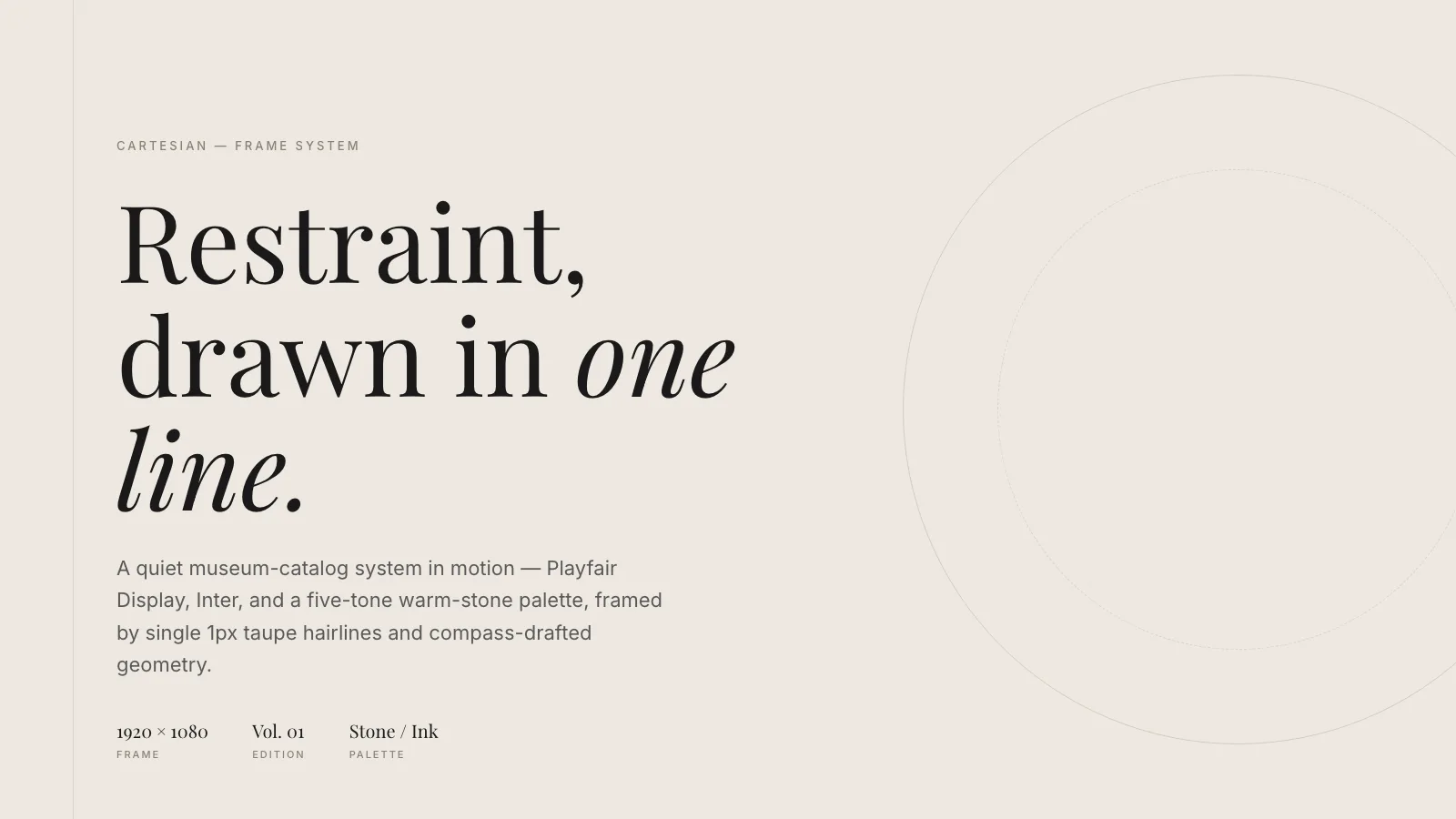
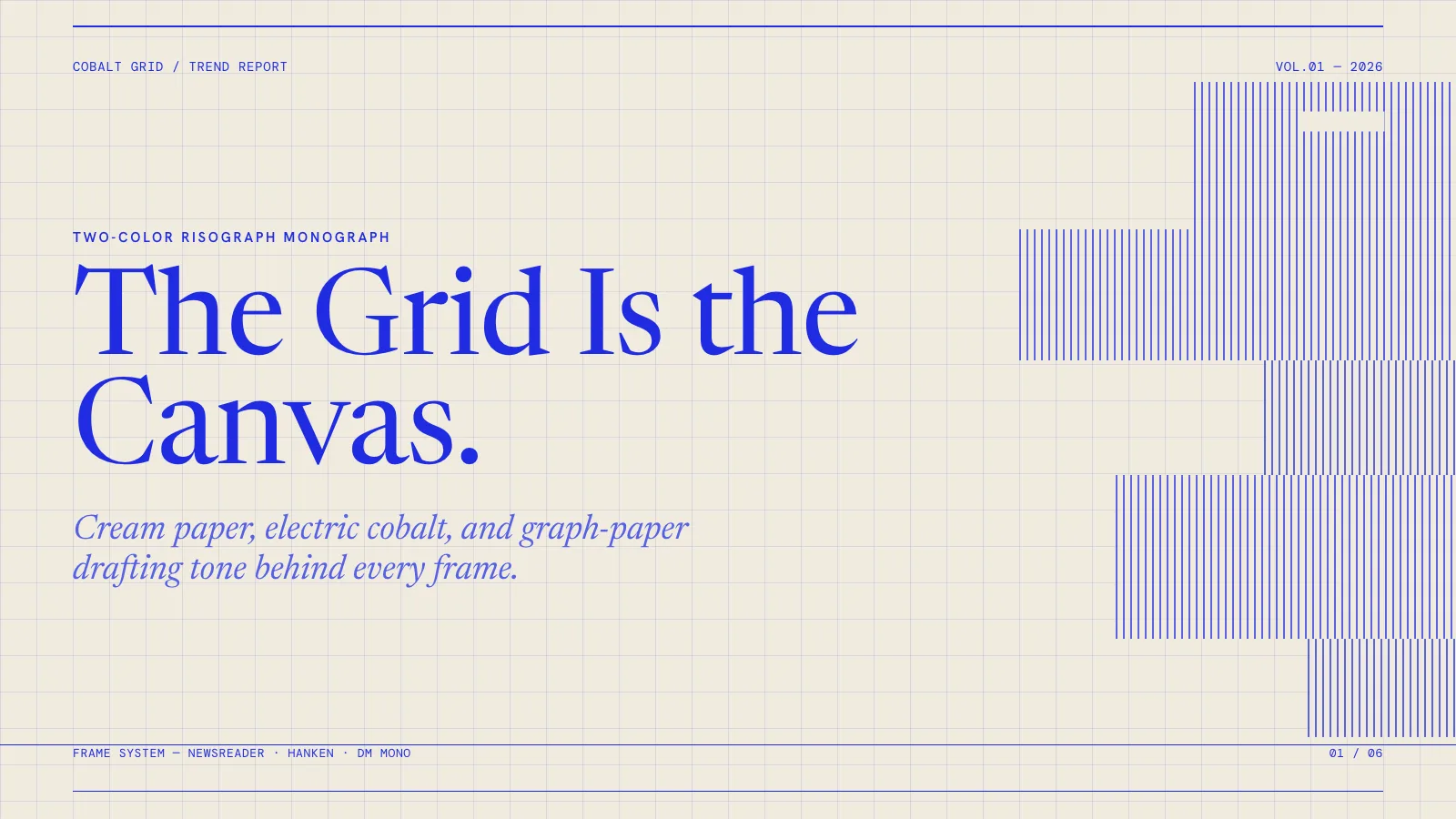

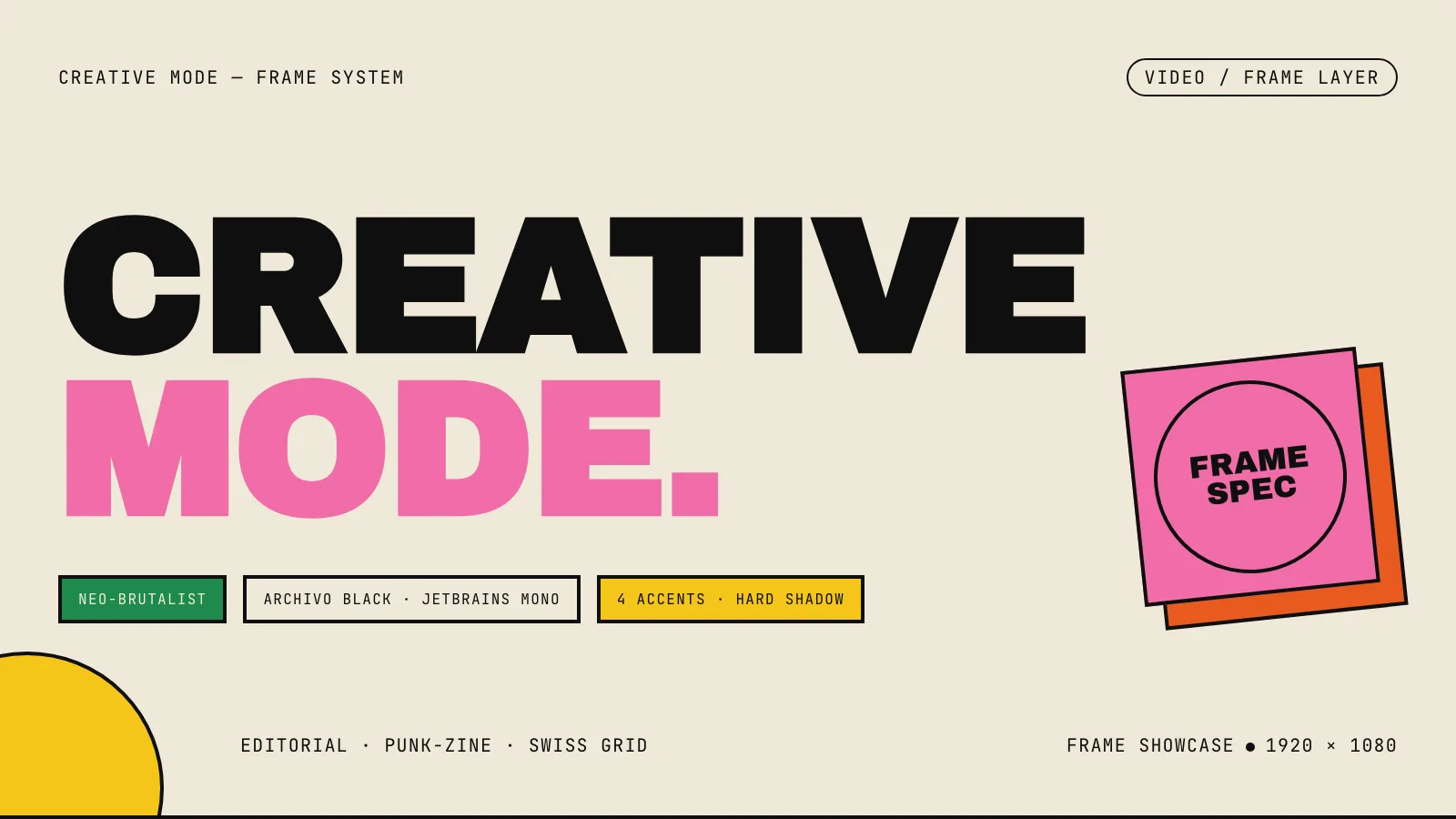
Browse and remix them all at hyperframes.dev/design.
Core Capabilities
HyperFrames ships 19 skills agents load on demand, covering a router, creation workflows, and domain skills. The following table summarizes the full stack:
| Piece | Status | What it does |
|---|---|---|
| CLI | Available | Scaffold, preview, lint, inspect, and render local video projects |
| Core / Engine / Producer | Available | Parse compositions, drive headless Chrome, encode video, and mix audio |
| Catalog | Available | Reusable blocks and components for transitions, overlays, captions, charts, maps, and effects |
| Agent skills | Available | Teach coding agents the video-production patterns that generic web docs miss |
| Studio | Available, evolving | Browser surface for previewing and editing compositions |
| AWS Lambda rendering | Available | Deploy a distributed render stack and drive renders from your laptop or CI |
| hyperframes.dev | Available | Community playground for previewing, iterating, sharing, and rendering HTML-native video projects |
| frame.md | Available | Invert your design system for the camera — a DESIGN.md superset an agent can compose video from |
Key characteristics:
- HTML-native: compositions are HTML files with data attributes. No React requirement, no proprietary timeline format.
- Agent-friendly: agents already write HTML, and the CLI is non-interactive by default.
- Deterministic: same input, same frames, same output. Built for CI, regression tests, and automated rendering.
- No build step: an
index.htmlcomposition plays as-is and can be previewed directly in the browser. - Adapter-based animation: bring GSAP, CSS animations, Lottie, Three.js, Anime.js, WAAPI, or a custom runtime.
- Open source: Apache 2.0 license, with no per-render fees or commercial-use thresholds.
How It Works
- You provide input: a description (prompt), a URL, a GitHub PR link, an audio file, or other media.
- An AI coding agent (e.g., Claude Code, Cursor, Gemini CLI, Codex) or the local CLI uses HyperFrames skills to plan the video, write valid HTML, wire seekable animations, add media, lint, preview, and finally render.
- The renderer seeks each frame in headless Chrome and encodes the result with FFmpeg, producing a deterministic MP4.
Here is a simple HTML composition example:
<div id="stage" data-composition-id="launch" data-start="0" data-width="1920" data-height="1080">
  <video
    class="clip"
    data-start="0"
    data-duration="6"
    data-track-index="0"
    src="intro.mp4"
    muted
    playsinline
  ></video>

  <h1 id="title" class="clip" data-start="1" data-duration="4" data-track-index="1">Launch day</h1>

  <audio
    data-start="0"
    data-duration="6"
    data-track-index="2"
    data-volume="0.5"
    src="music.wav"
  ></audio>

  <script src="https://cdn.jsdelivr.net/npm/gsap@3/dist/gsap.min.js"></script>
  <script>
    const tl = gsap.timeline({ paused: true });
    tl.from("#title", { opacity: 0, y: 40, duration: 0.8 }, 1);
    window.__timelines = window.__timelines || {};
    window.__timelines.launch = tl;
  </script>
</div>
Preview and render commands:
npx hyperframes preview      # preview in browser with live reload
npx hyperframes render       # render to MP4
What You Need to Provide
- When using an AI agent: a textual prompt (e.g., "Using
/hyperframes, create a 10-second product intro with a fade-in title, a background video, and subtle background music") and a compatible agent (Claude Code, Cursor, Gemini CLI, Codex, or other coding agents that support skills). - When using the CLI locally: Node.js 22+ and FFmpeg installed. You also need to prepare the HTML files, media assets, and any animation scripts.
What You Get
- A deterministic MP4 video file where the same input always produces the same output.
- For the
slideshowworkflow, a navigable presentation deck (not a rendered video).
Example Usage
A typical prompt for an AI agent:
Using
/hyperframes, create a 10-second product intro with a fade-in title, a background video, and subtle background music.
The agent will then plan the video, write the HTML, add media and animations, lint, preview, and render it.
Selection Guide
Skill Selection
HyperFrames provides 19 skills that agents load on demand. Start with the /hyperframes router skill — it serves as a capability map and intent router, selecting the appropriate workflow for any "make me a…" request.
Router Skill
| Skill | Use when |
|---|---|
/hyperframes |
Any request to make / create / edit / animate / render a video, animation, or motion graphic. Read first — it is the capability map and intent router. |
Creation Workflows
| Skill | Use when |
|---|---|
/product-launch-video |
Any website — marketing / launching / promoting a product (from its URL, a brief, or a script), or a site tour / showcase / social clip featuring the site's own visuals. Up to ~3 min (sweet spot 30–90s). |
/faceless-explainer |
Explaining a topic / concept from arbitrary text — no product, no URL, no website capture; every visual is LLM-invented (typography / abstract / diagram / data-viz). |
/pr-to-video |
A GitHub pull request (PR URL, owner/repo#N ref, or "this PR") → changelog / feature-reveal / fix / refactor explainer, read via the gh CLI. |
/embedded-captions |
Adding captions / subtitles to an existing talking-head video (footage untouched) — verbatim rail, embedded climax behind the subject, or pure-cinematic embed. |
/talking-head-recut |
Packaging an existing talking-head / interview / podcast video with designed graphic overlays — lower-thirds, data callouts, kinetic titles, pull-quotes, side panels, PiP. |
/motion-graphics |
A short, unnarrated, design-led motion graphic (~under 10s) — kinetic type, stat / chart hit, logo sting, lower-third, animated tweet / headline. MP4 or transparent overlay. |
/music-to-video |
A music track (audio file, video to pull audio from, or one generated from a mood brief) → a beat-synced video — lyric, slideshow, or kinetic promo; music drives pacing. |
/slideshow |
A presentation / pitch deck / interactive deck — discrete slides, fragment reveals, branching, hotspot navigation, presenter mode. Output is a navigable deck, not a rendered video. |
/general-video |
Anything else — longer or multi-scene pieces, brand / sizzle reel, title card, static loop, freeform composition. Input- and length-agnostic fallback, and the home of companion mode (co-create with the full toolbox). |
/remotion-to-hyperframes |
Porting an existing Remotion (React) composition's source to HyperFrames HTML. One-way migration, not creation. |
Domain Skills (loaded on demand)
| Skill | Covers |
|---|---|
/hyperframes-core |
The composition contract — data-* timing attributes, class="clip", tracks, sub-compositions, variables, framework-owned media playback, determinism rules. |
/hyperframes-animation |
All animation knowledge — atomic motion rules, scene blueprints, transitions, runtime adapters (GSAP / Lottie / Three.js / Anime.js / CSS / WAAPI / TypeGPU). |
/hyperframes-keyframes |
Seek-safe keyframe authoring across runtimes — GSAP timelines, CSS keyframes, Anime.js, WAAPI, FLIP, paths, masks, SVG morph/draw, 3D depth — plus hyperframes keyframes diagnostics for rendered motion. |
/hyperframes-creative |
Non-animation creative direction — frame.md / design.md, palettes, typography, narration, beat planning, audio-reactive visuals, composition patterns. |
/media-use |
The media OS — resolve any media need (BGM, SFX, image, icon, logo, voice, color grade, LUT) into a frozen local file or paste-ready block + ledger record, generate via TTS/music/image models when the catalog misses, transcribe, caption, remove backgrounds, and reuse assets across projects. One shared audio engine + manifest tracking. |
/hyperframes-cli |
CLI dev loop — init, lint, check, snapshot, preview, render, publish, doctor, plus HeyGen-hosted cloud rendering (cloud render) and AWS Lambda rendering (lambda deploy / render / progress). |
/hyperframes-registry |
Install and wire registry blocks and components into compositions via hyperframes add. Authoring a new block or component to contribute upstream. |
/figma |
Import Figma assets, tokens, components, and storyboard sections → reconstructed motion (frames read as states, not slides) (REST/CLI) plus Motion animations (MCP) and shaders (MCP source / native export) into a composition. |
HyperFrames vs Remotion
HyperFrames is inspired by Remotion. Both tools render video with headless Chrome and FFmpeg. The main difference is the authoring model:
| Feature | HyperFrames | Remotion |
|---|---|---|
| Authoring | HTML + CSS + seekable animation | React components |
| Build step | None; index.html plays as-is |
Bundler required |
| Agent handoff | Plain HTML files | JSX / React project |
| Library-clock animations | Seekable, frame-accurate via adapters | Wall-clock animation patterns need care |
| Distributed rendering | Local and AWS Lambda render paths | Remotion Lambda, mature cloud renderer |
| License | Apache 2.0 | Source-available Remotion License |
Notes
- Prerequisites: For local CLI usage, Node.js 22+ and FFmpeg are required.
- AI agents: The skills are designed to work with coding agents that support skills, such as Claude Code, Cursor, Gemini CLI, and Codex.
- Determinism: Rendering is fully deterministic — the same input always produces the same output, making it suitable for CI/CD and regression testing.
- Open source: Licensed under Apache 2.0, with no per-render fees or commercial-use thresholds.
- Limitation: The
slideshowworkflow outputs a navigable deck, not a video file.
For full documentation, visit hyperframes.heygen.com.