
gbro-cover-design
A cover prompt generation tool for WeChat Official Accounts and Xiaohongshu, featuring 10 composition styles and face consistency support.

Suggested prompts
I have an article about the development of AI Agents. Please generate a cover image prompt suitable for Xiaohongshu, using the 'Product Main Visual' composition style.
Based on my article content, please recommend the most suitable cover composition style and guide me through the prompt generation process.
I need to create a cover for a personal growth post. Please assist me in selecting the appropriate background tone and font style.
About this skill
gbro-cover-design
Feed an article to an AI agent. It reads the content, asks you three questions, and outputs a cover prompt that can be directly used with image generation tools. The title is automatically generated, and all composition logic is built-in. The aspect ratio is fixed to 3:4 vertical.
Works with Claude Code, Codex, and any AI agent that supports custom skills.
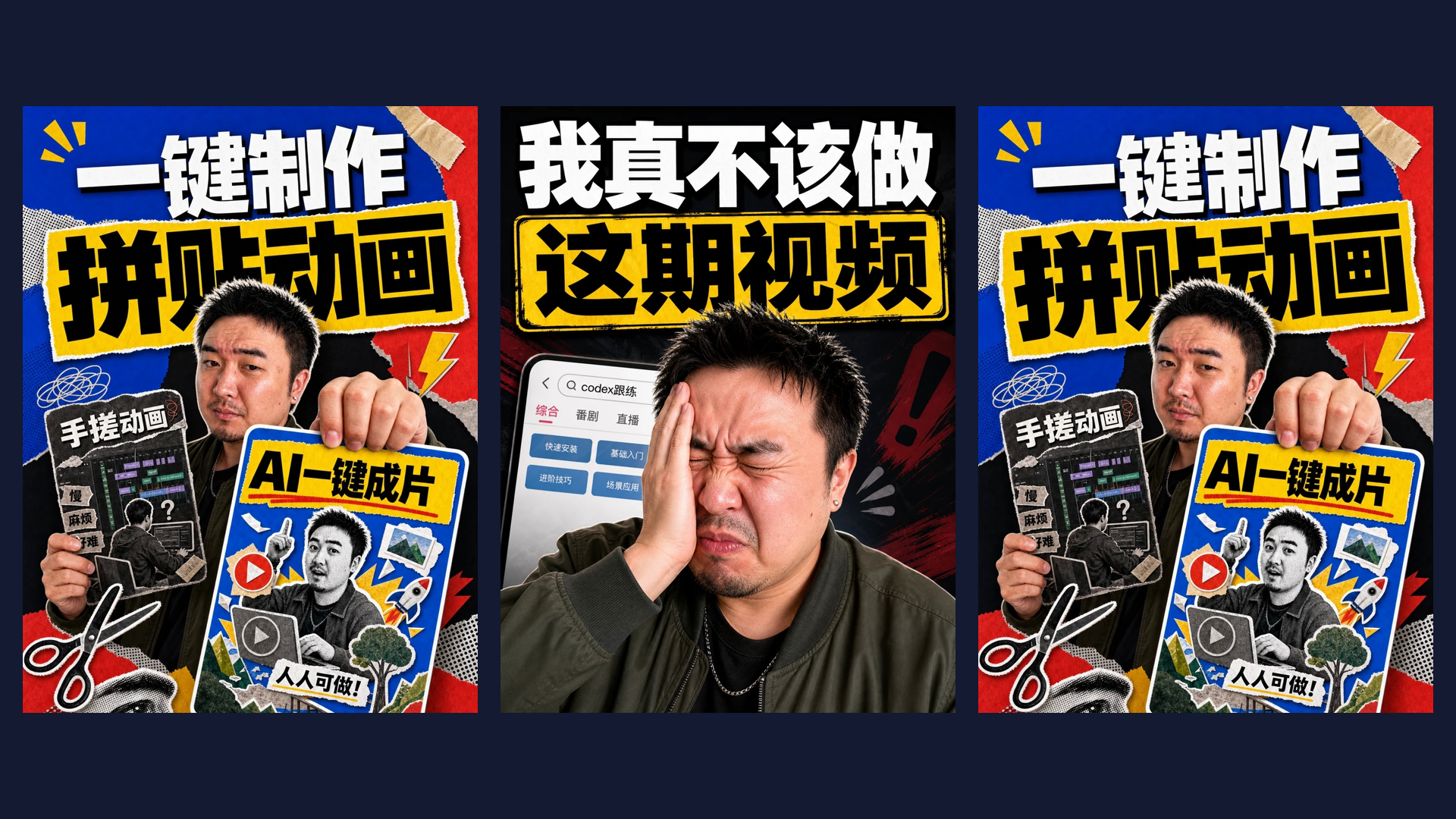
Preview
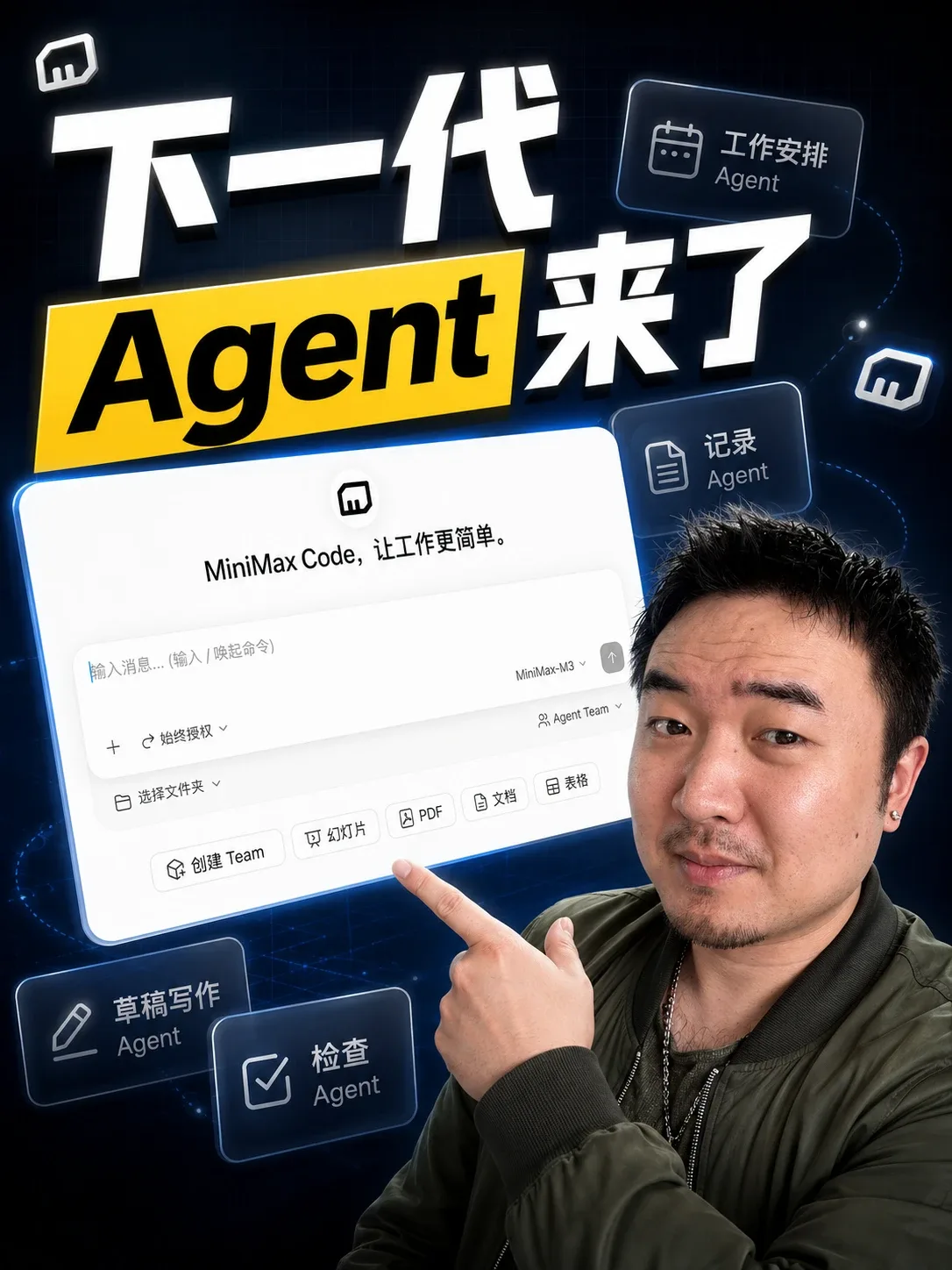
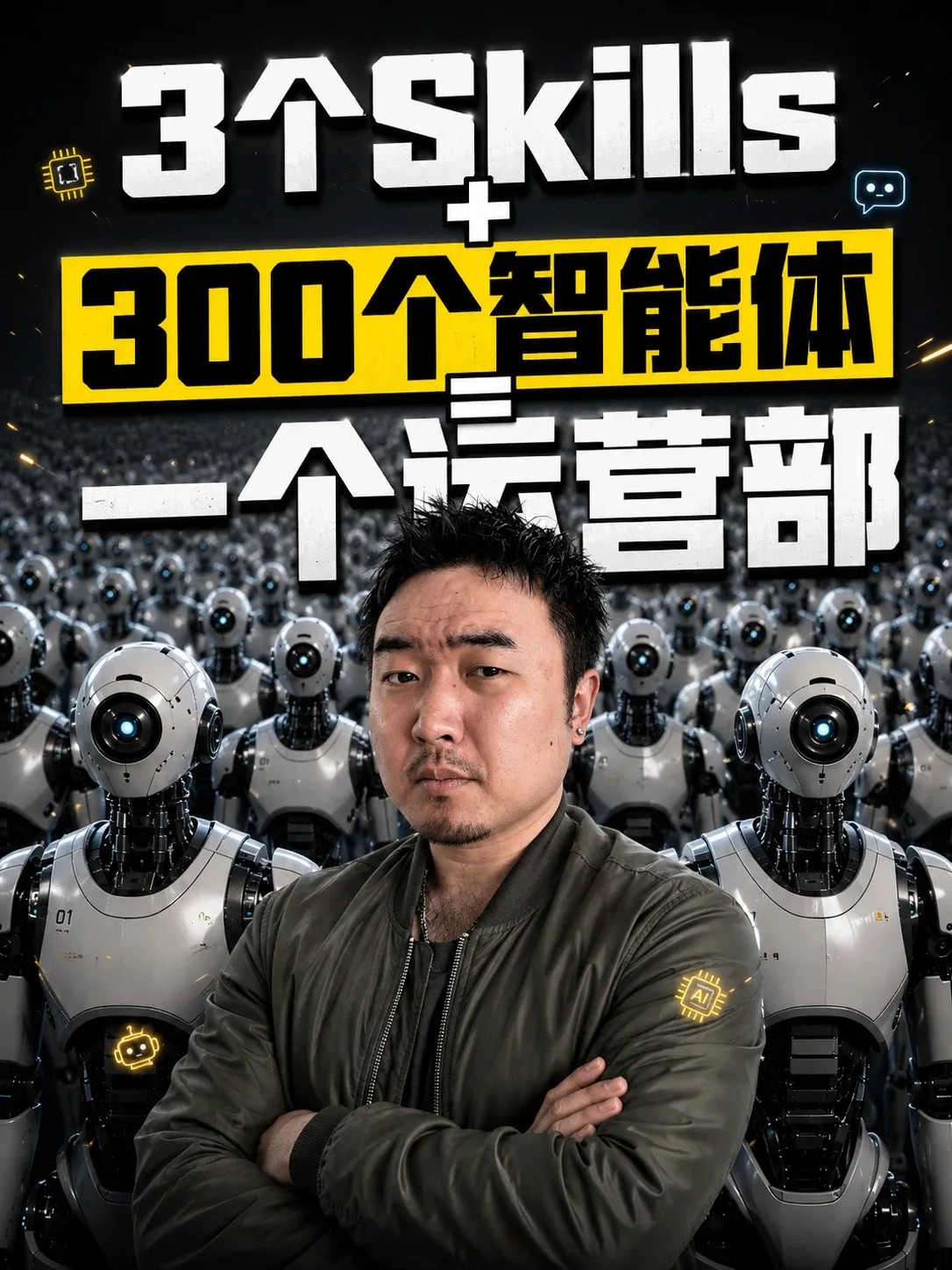
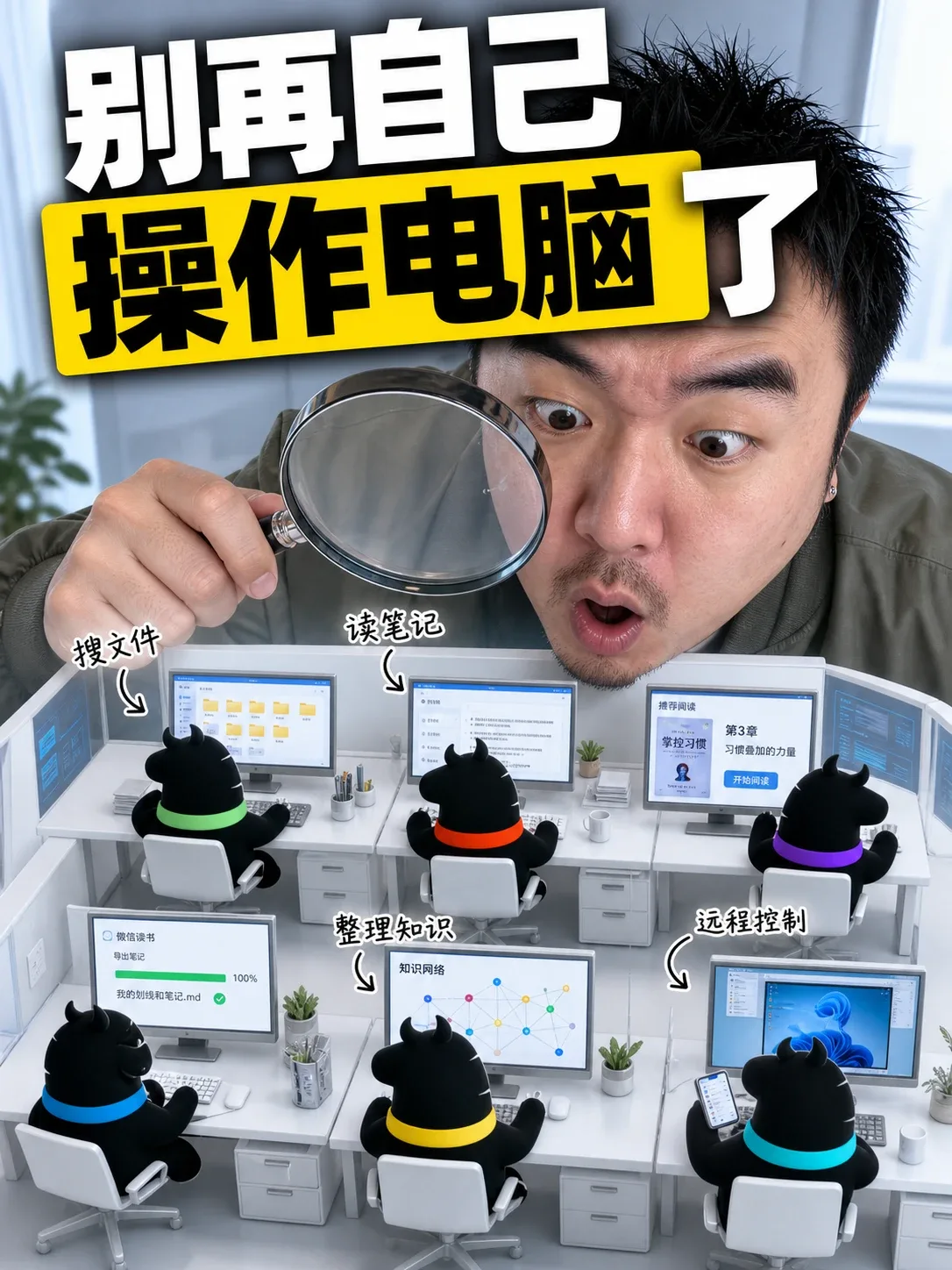
The following covers were generated using this skill:
 |
 |
 |
 |
 |
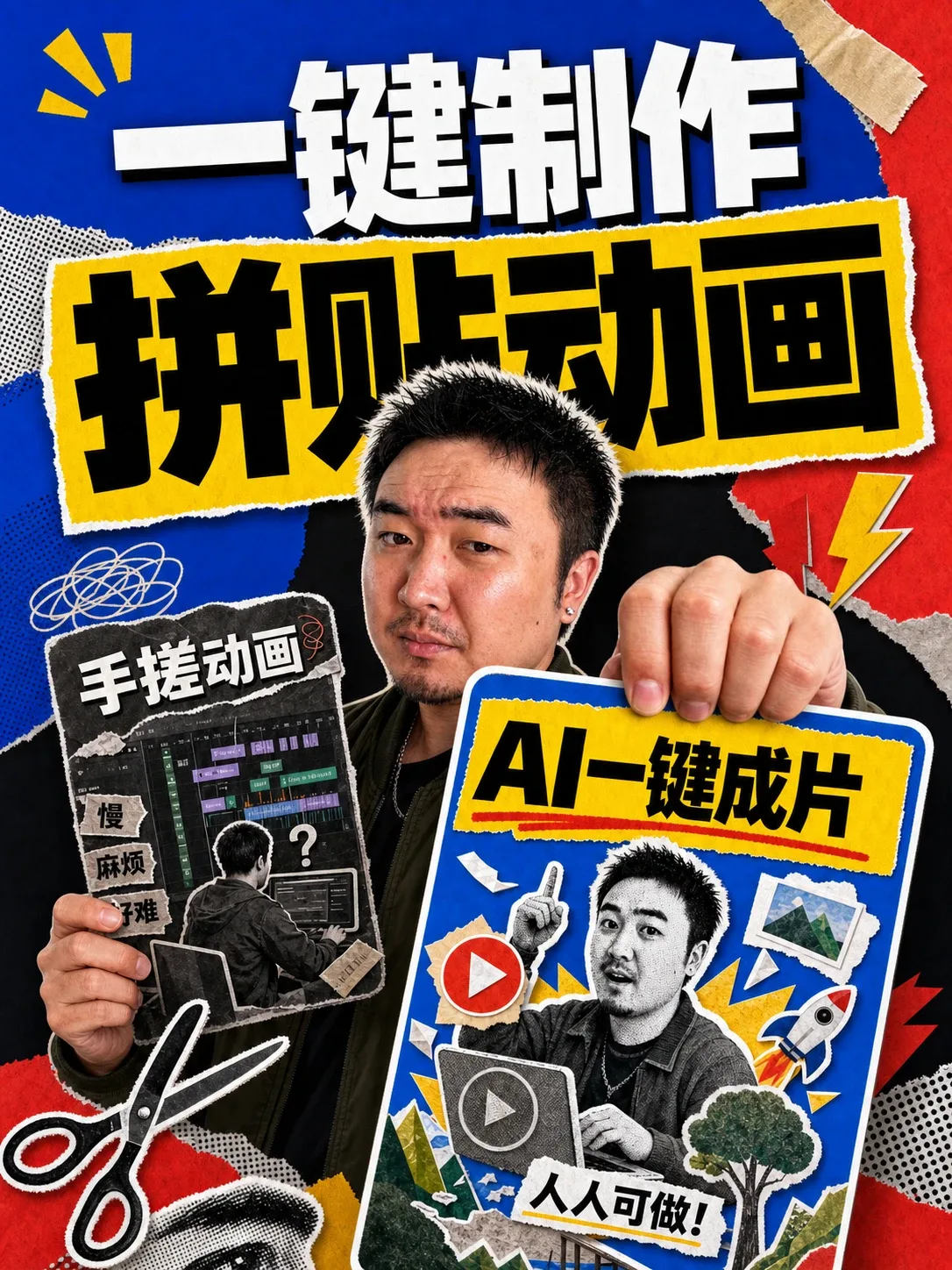 |
 |
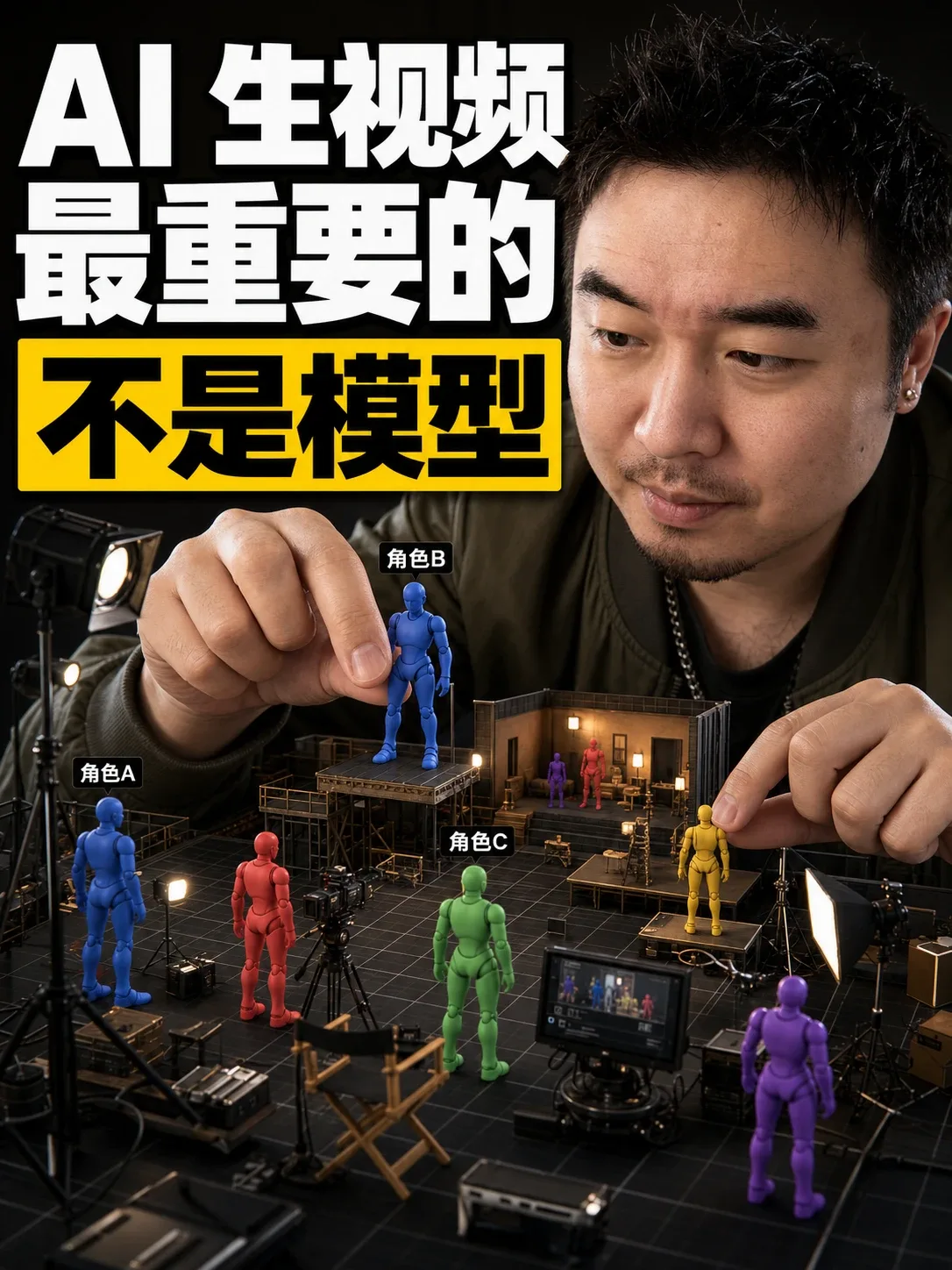 |
Use Cases
- Content creators and social media operators who need to quickly generate cover images for articles
- Users with no design or prompt engineering experience who want professional covers effortlessly
- Anyone who needs to produce a consistent set of covers in bulk
Core Capabilities
- Automatic content analysis: The AI reads your article and extracts key information for cover design
- Three-round questioning: Guides you through composition style, materials, and visual details step by step
- 10 composition styles: Recommended based on content, with manual selection also available
- Fixed 3:4 vertical aspect ratio: Ideal for social media covers, with built-in safe area definitions
- Face consistency support: Uses a reference photo to maintain facial identity (requires a model that supports multi-reference image input)
- Built-in example prompt library: 8 complete example prompts are provided in the repository (
references/examples.md) - Automatic title generation: The skill generates a cover title based on your article
How It Works
- You provide: Send the article text to the AI agent.
- Skill activates automatically: gbro-cover-design reads the article and starts three rounds of questions:
- Round 1: Recommends a composition style based on the article and asks for the cover title.
- Round 2: Asks for a face reference photo, product screenshots, or other materials.
- Round 3: Lists options for expression, background color, font, and font color in one go; anything not mentioned is left to the model.
- Output: A prompt string that can be directly used with image generation tools, containing all composition elements, face references, and text layout.
- You generate the image: Copy the prompt into a supported image generation tool (e.g., Jimeng, Seedream 4.0, Nano Banana, GPT-Image) to create the cover.
What You Need to Provide
- Article content: The body or summary of the article you want a cover for.
- Face reference photo (optional): A clear front-facing photo. On first use you can save it to
assets/my-face.pngin the skill directory as a default. You can also upload a new one each time. - Other materials (optional): Product images, UI screenshots, brand assets, etc., to include in the cover.
- Image generation model: Must support multi-reference image input to maintain face consistency.
What You Get
- A cover prompt string ready for image generation tools, including:
- Composition style and layout
- Title text
- Placement of people, products, or other materials
- Color, font, expression, and other details
- No design knowledge or prompt engineering skills required.
10 Composition Styles
| Style | Best For |
|---|---|
| Dark Gradient | Centered person with large text behind, strongest impact |
| Flat Color | Clean and simple, person + props + solid background |
| Product Hero | UI screenshots or product images as the main element |
| Comparison Cards | Before/after or good/bad comparison content |
| Minimal Whitespace | Large whitespace, title as the sole focus, restrained |
| Poster Collage | Multiple materials layered for depth |
| Person Side Whitespace | Person on one side, full title on the other, spacious |
| Back View | Person facing away, suitable for inspirational or motivational content |
| Partial Appearance | Only hands or half face shown, product is the absolute star |
| Front Facing | Direct eye contact, emotional and immediate |
Full prompt templates for each style are available in the repository at references/style-XX-*.md.
Notes
- First-time setup: The first time the skill is triggered, it will guide you through configuring a face reference photo and confirming the image generation model (no API key required). The configuration is saved in
config.mdand won't be repeated. - Face consistency: Requires a model that supports multi-reference image input (e.g., Jimeng/Seedream 4.0, Nano Banana, GPT-Image). Otherwise, facial identity cannot be guaranteed.
- Fixed aspect ratio: The output prompt is always 3:4 vertical, suitable for most social media cover formats.
- Prompt only: This skill only generates prompt text. You must use a separate image generation tool to produce the actual cover.
- Template completeness: The skill relies on the
references/directory for style templates and example prompts. Make sure it is fully included (Skill Hub installations will include it automatically).