
frontend-slides
HTML presentations with 34 templates and an anti-AI aesthetic.

Suggested prompts
About this skill
Frontend Slides
This skill helps non-designers create beautiful HTML presentations — either from scratch or by converting PowerPoint files. You don't need to know CSS or JavaScript.
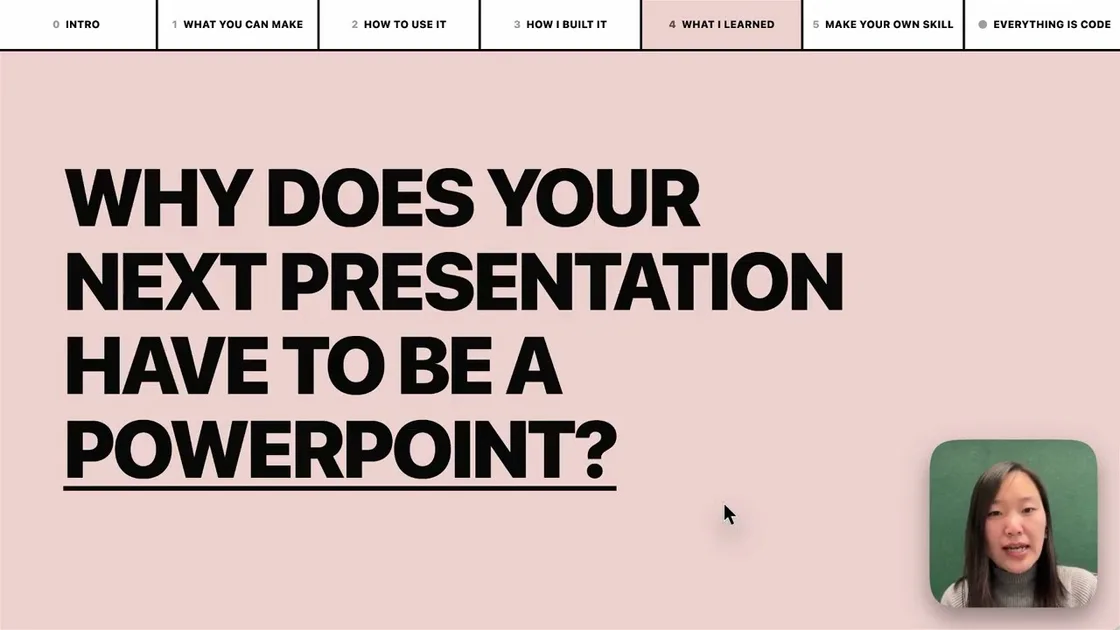
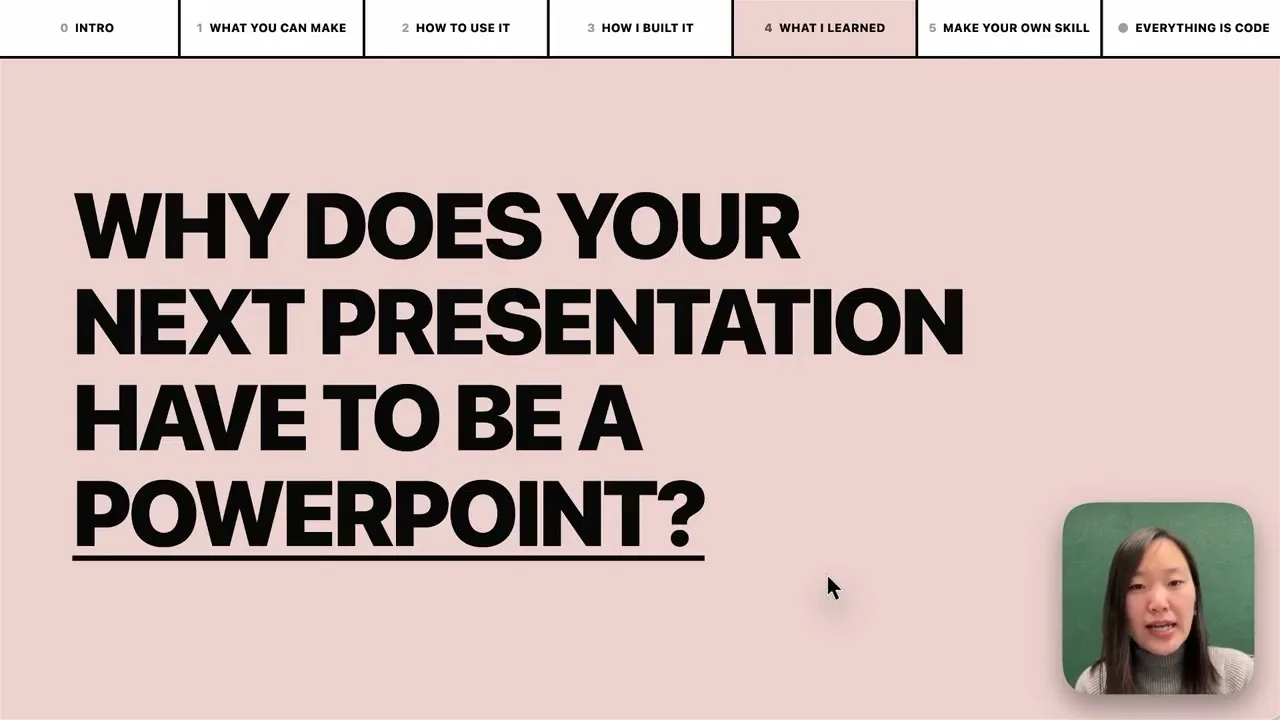
Walkthrough & Tutorial
New here? This beginner-friendly video walks you through the whole thing, start to finish.
Use Cases
- People who need to create presentations but lack design skills
- Those who prefer to pick a visual style from previews rather than describing preferences in words
- Converting existing PowerPoint files into shareable web presentations
- Creating dependency-free, single HTML files that will work long-term
Preview
Here is a deck about the skill, made through the skill:
https://github.com/user-attachments/assets/ef57333e-f879-432a-afb9-180388982478
More Template Gallery
This skill can draw from 34 optional design systems (from beautiful-html-templates). Below are previews of several templates showing how each visual system handles different slide layouts. Click the template name to inspect the source library.
Soft Editorial
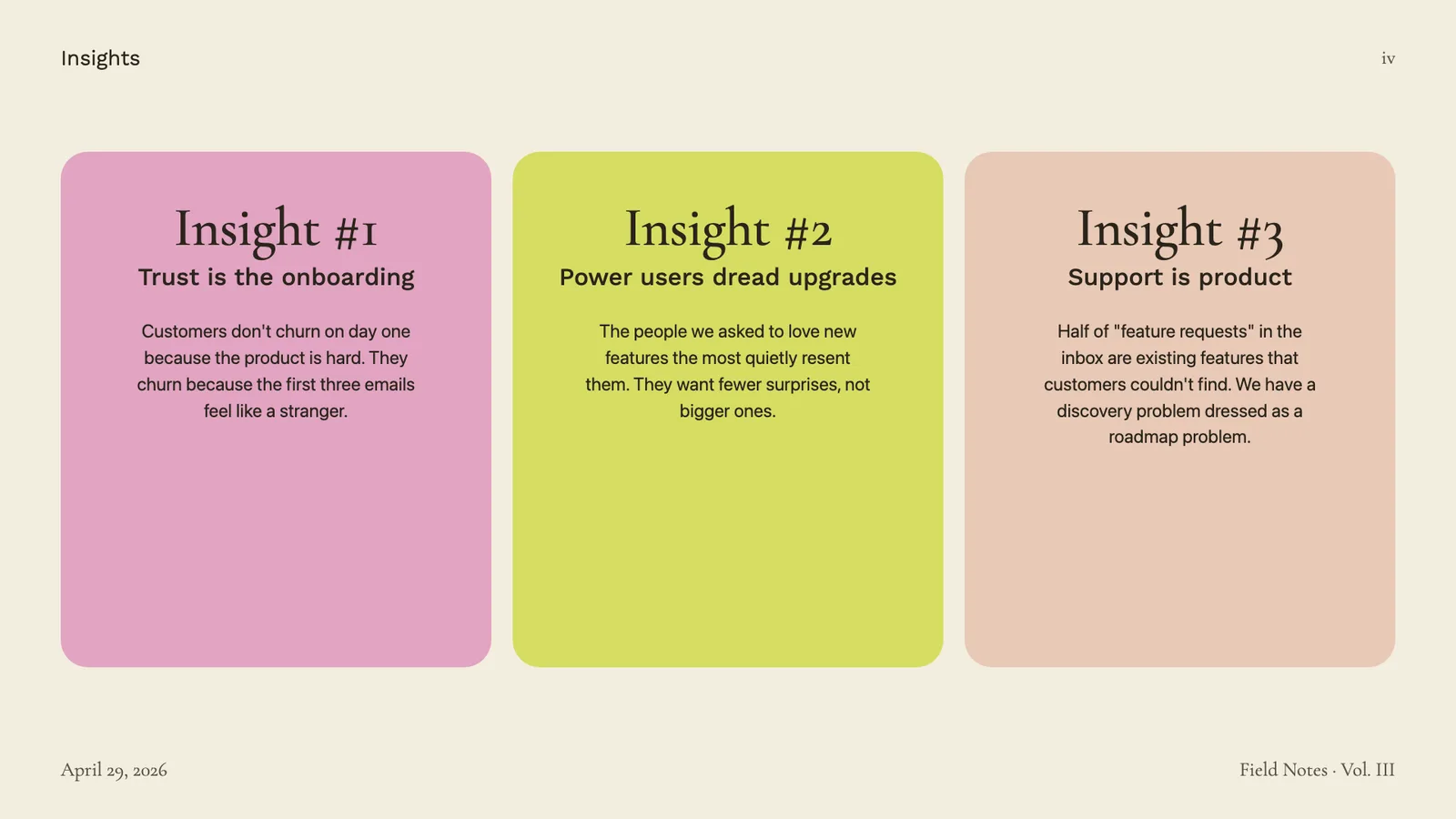
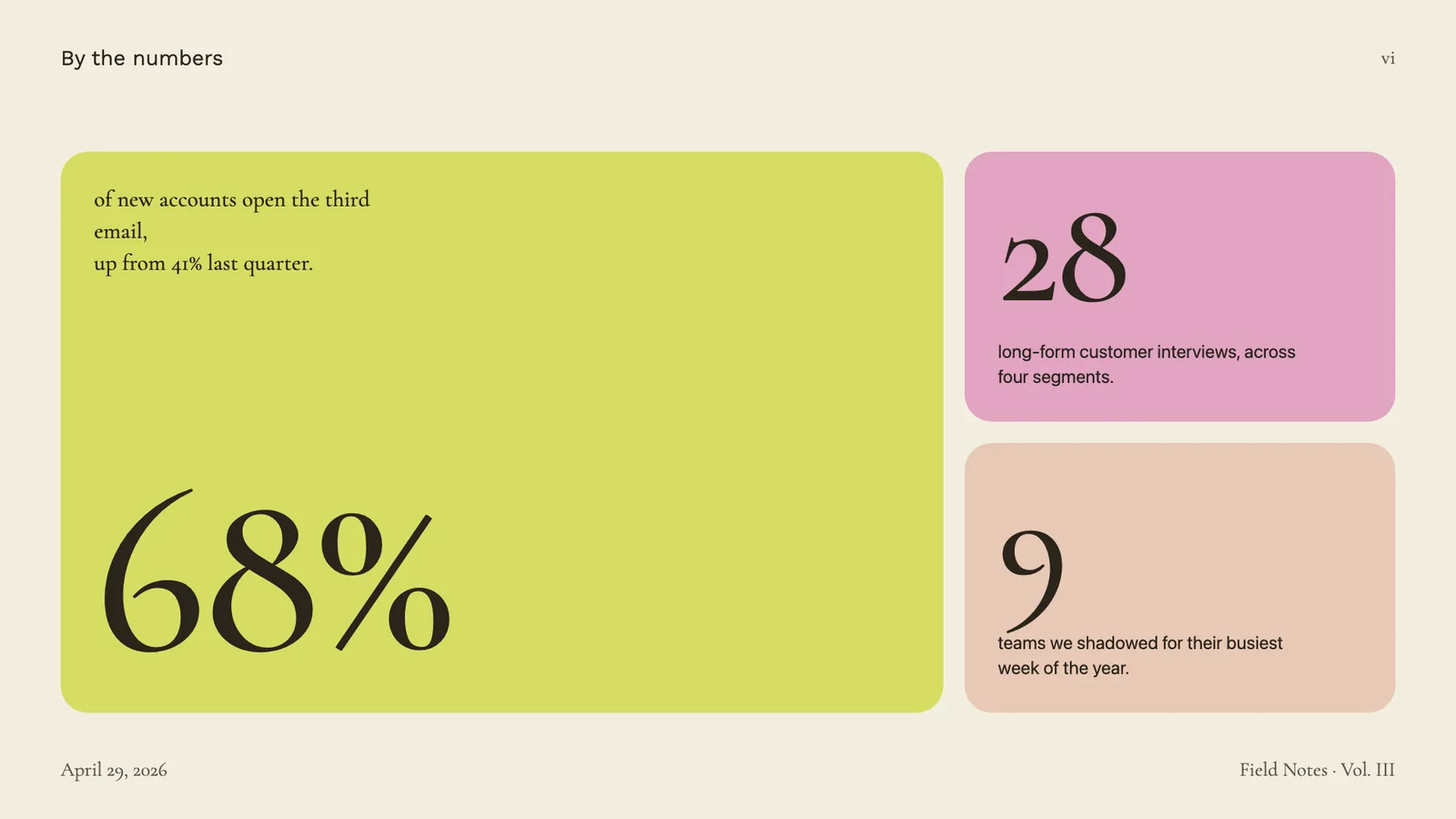
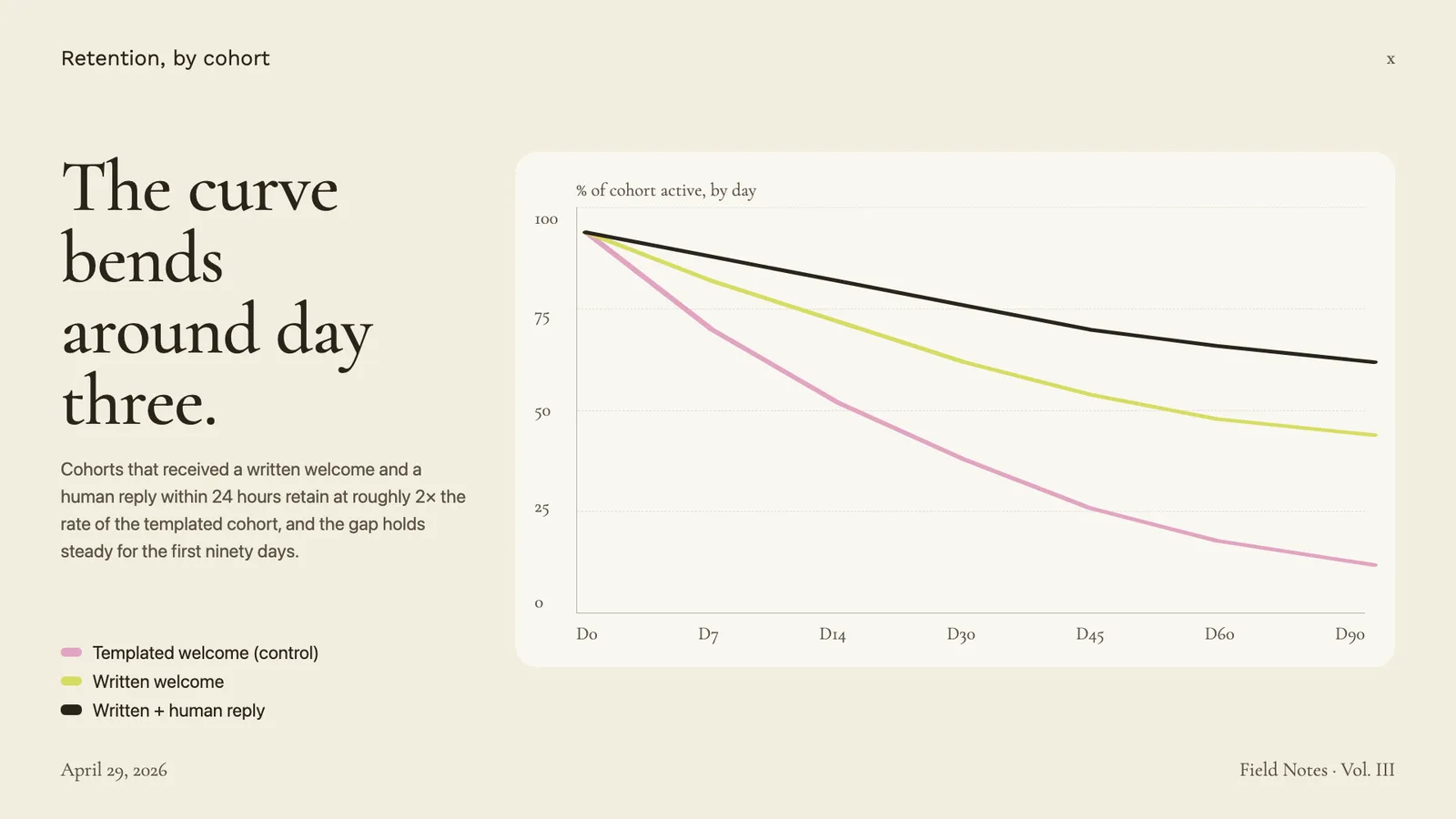
Cormorant Garamond serif on warm paper with sage, blush, and lemon accents.
Editorial Forest
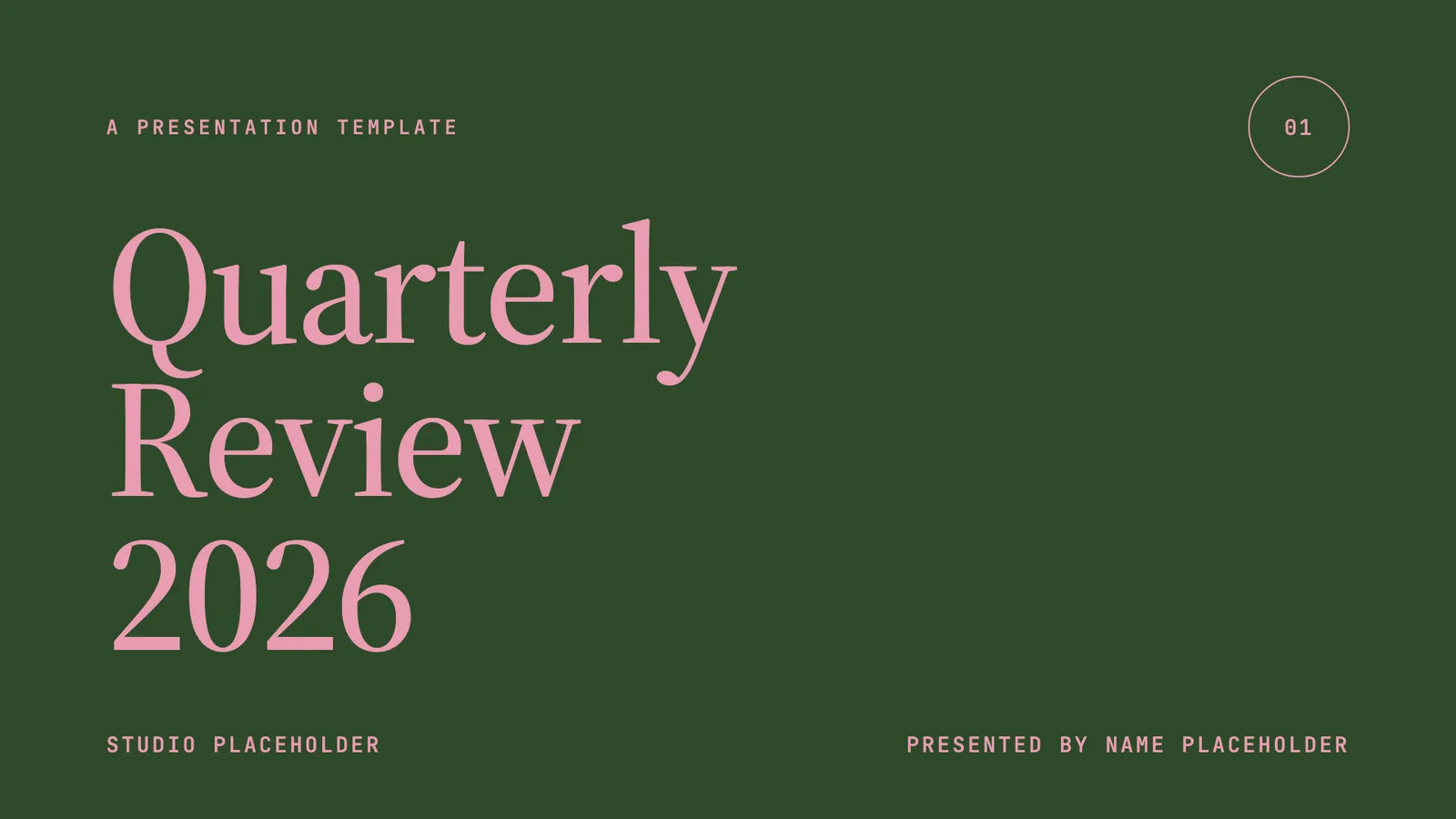
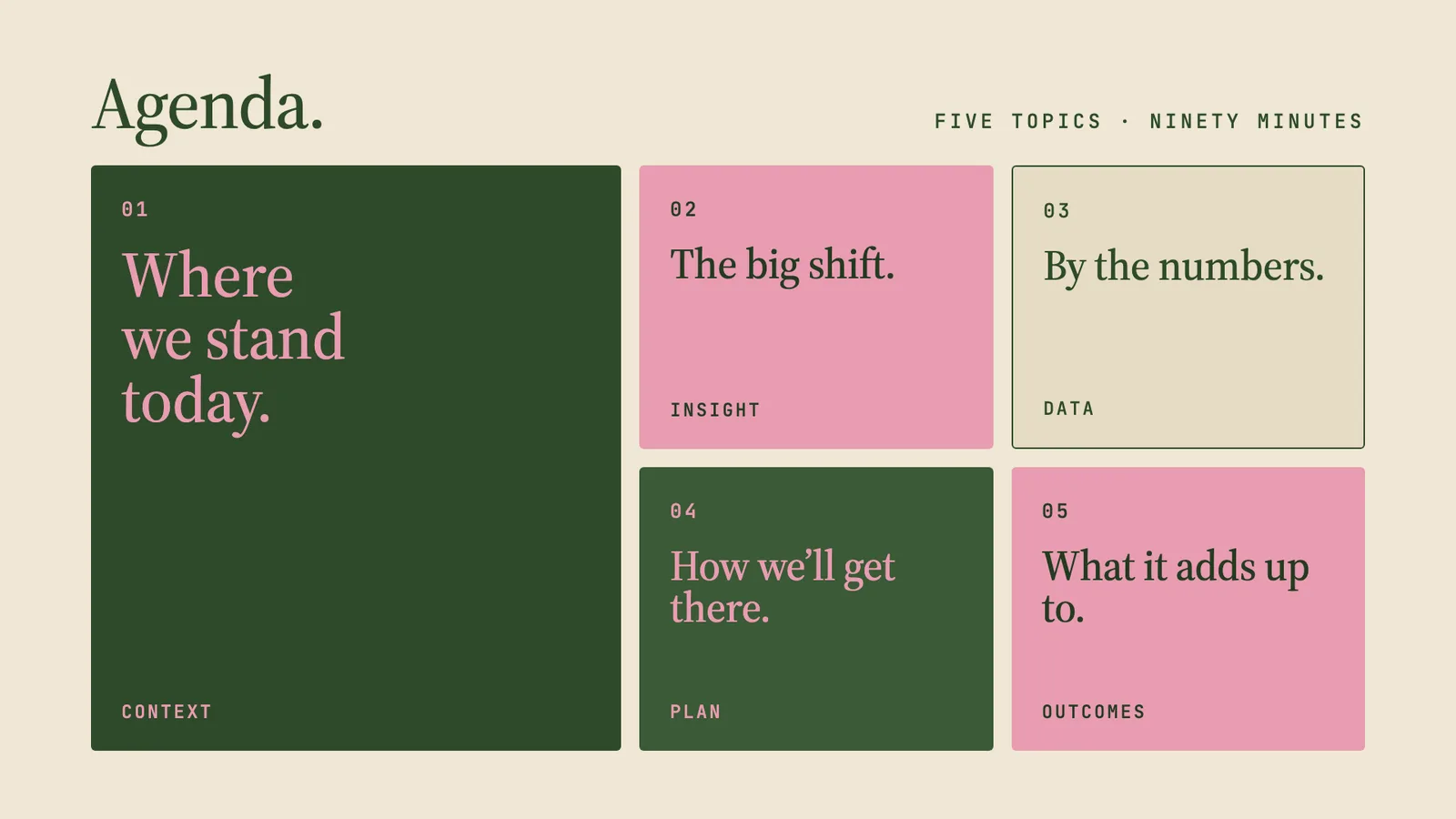
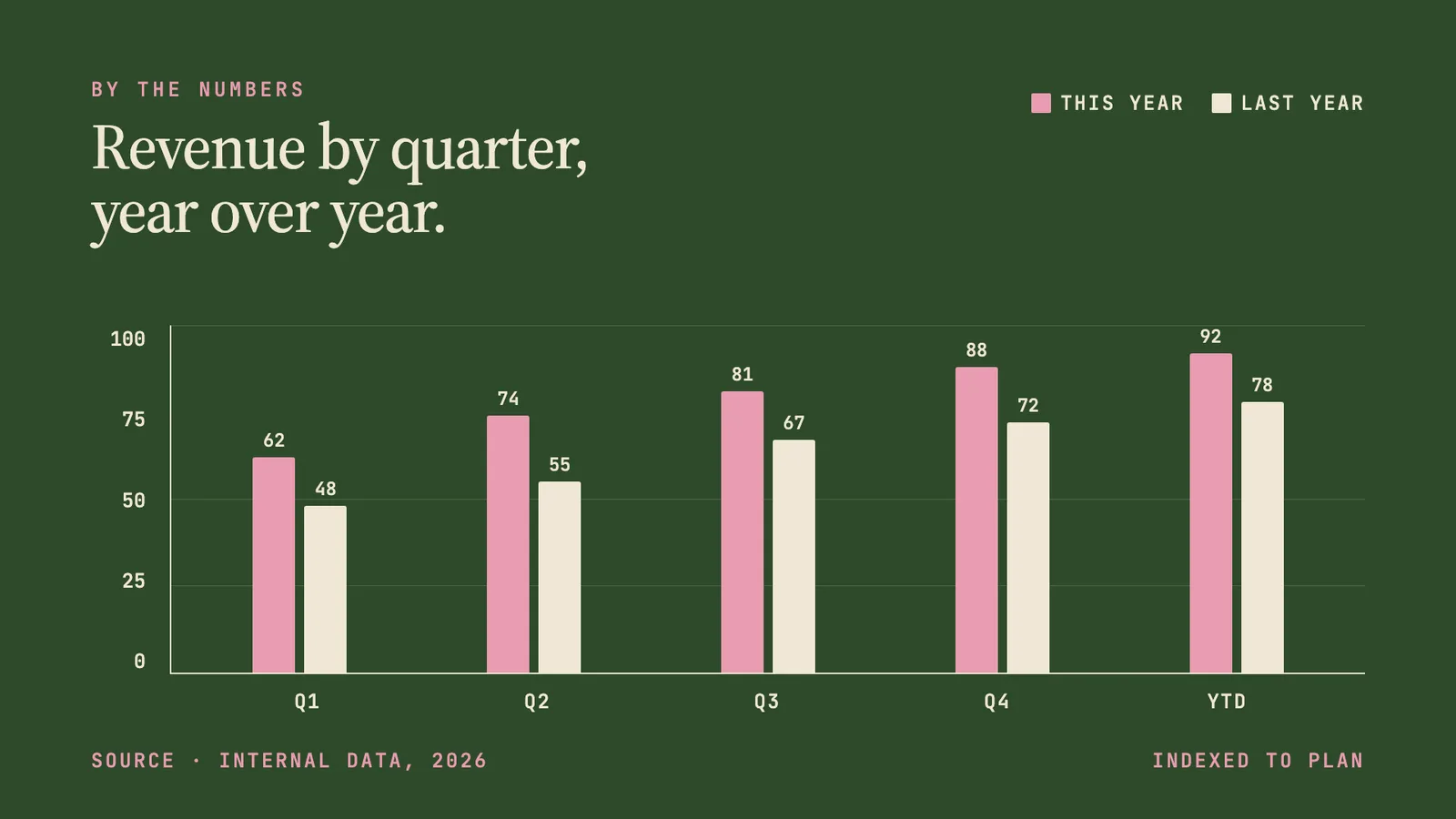
Forest green, dusty pink, and warm cream in Source Serif 4 — quiet, intentional quarterly-review aesthetic.
Pin & Paper
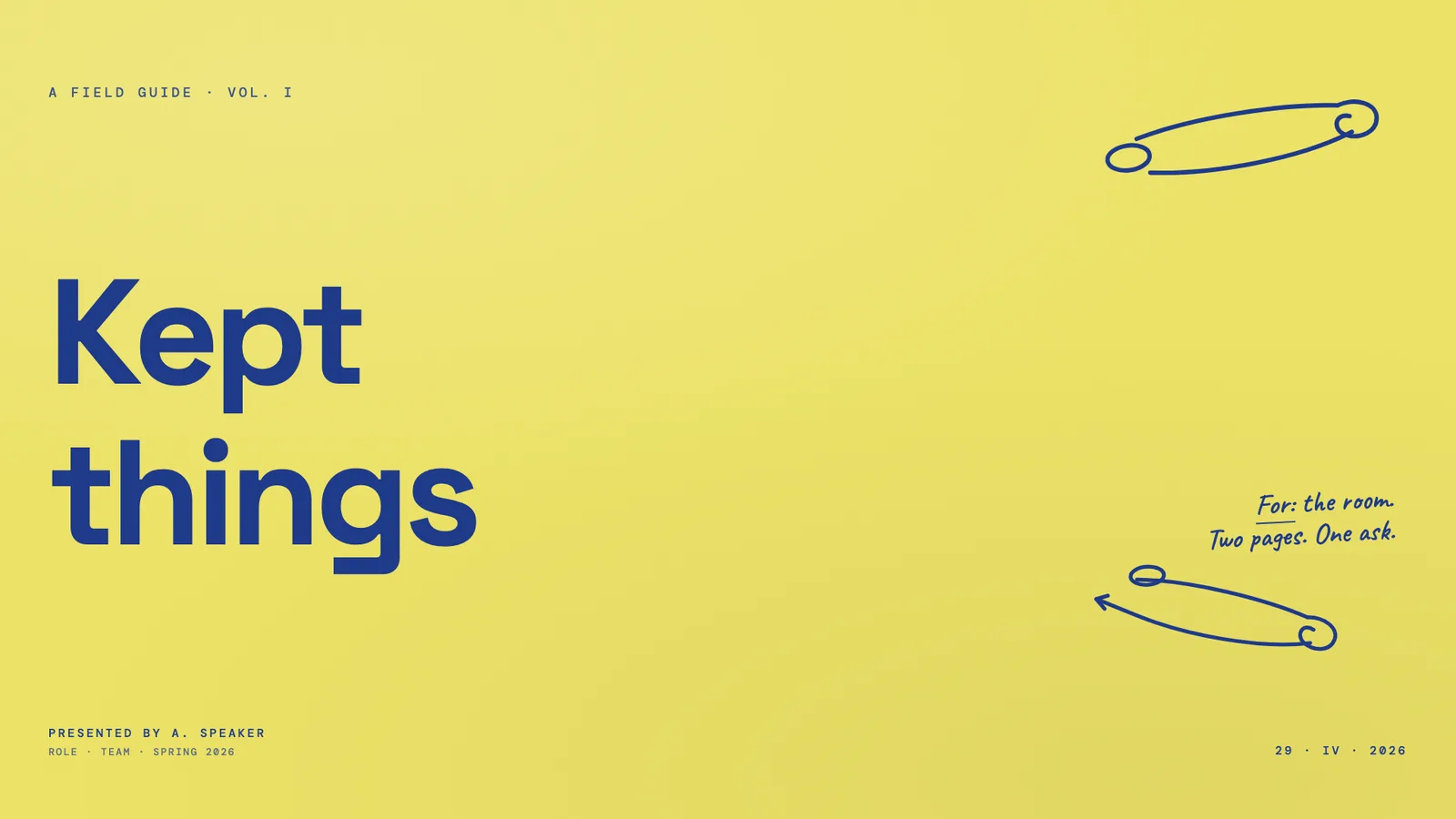
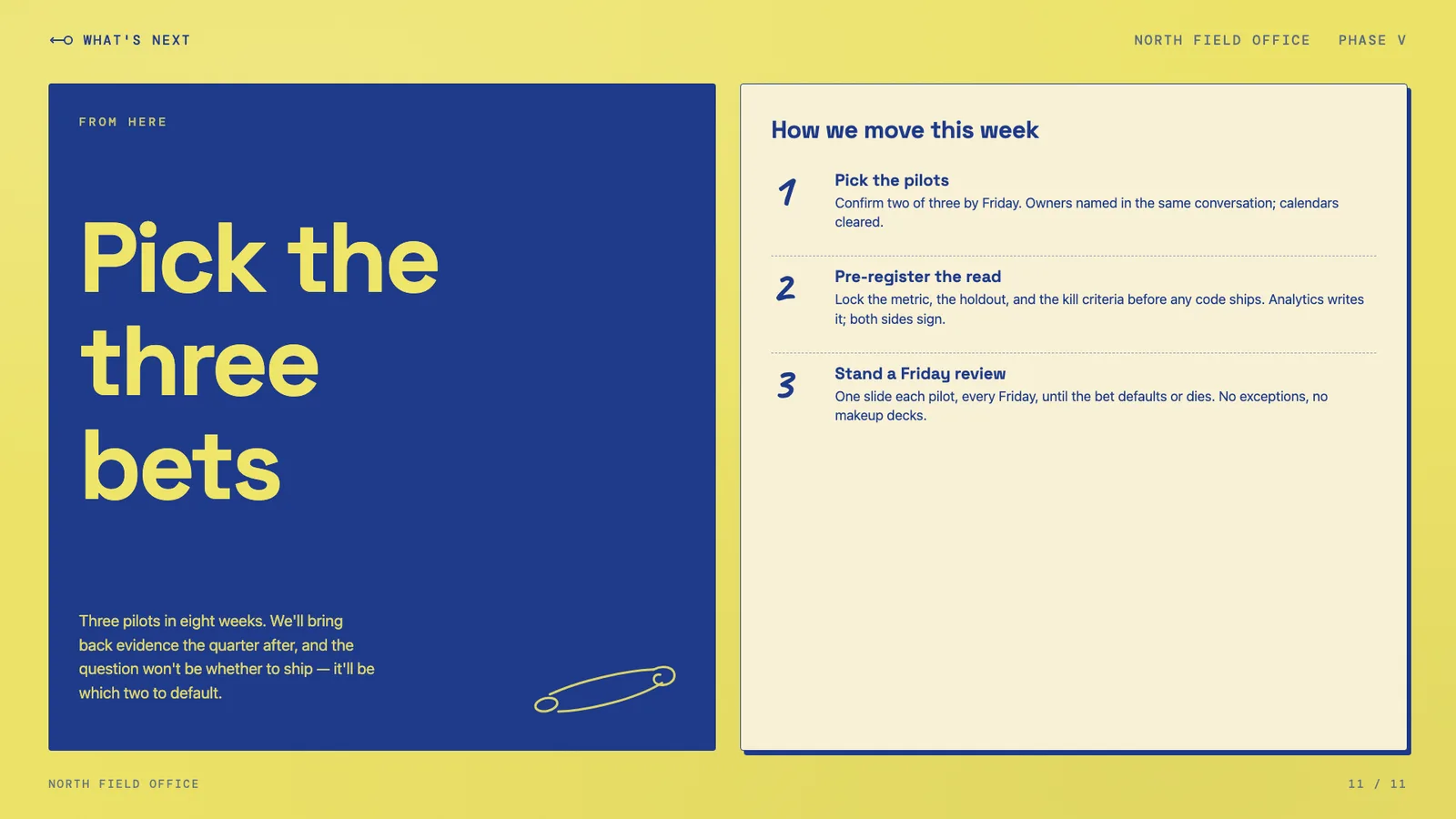
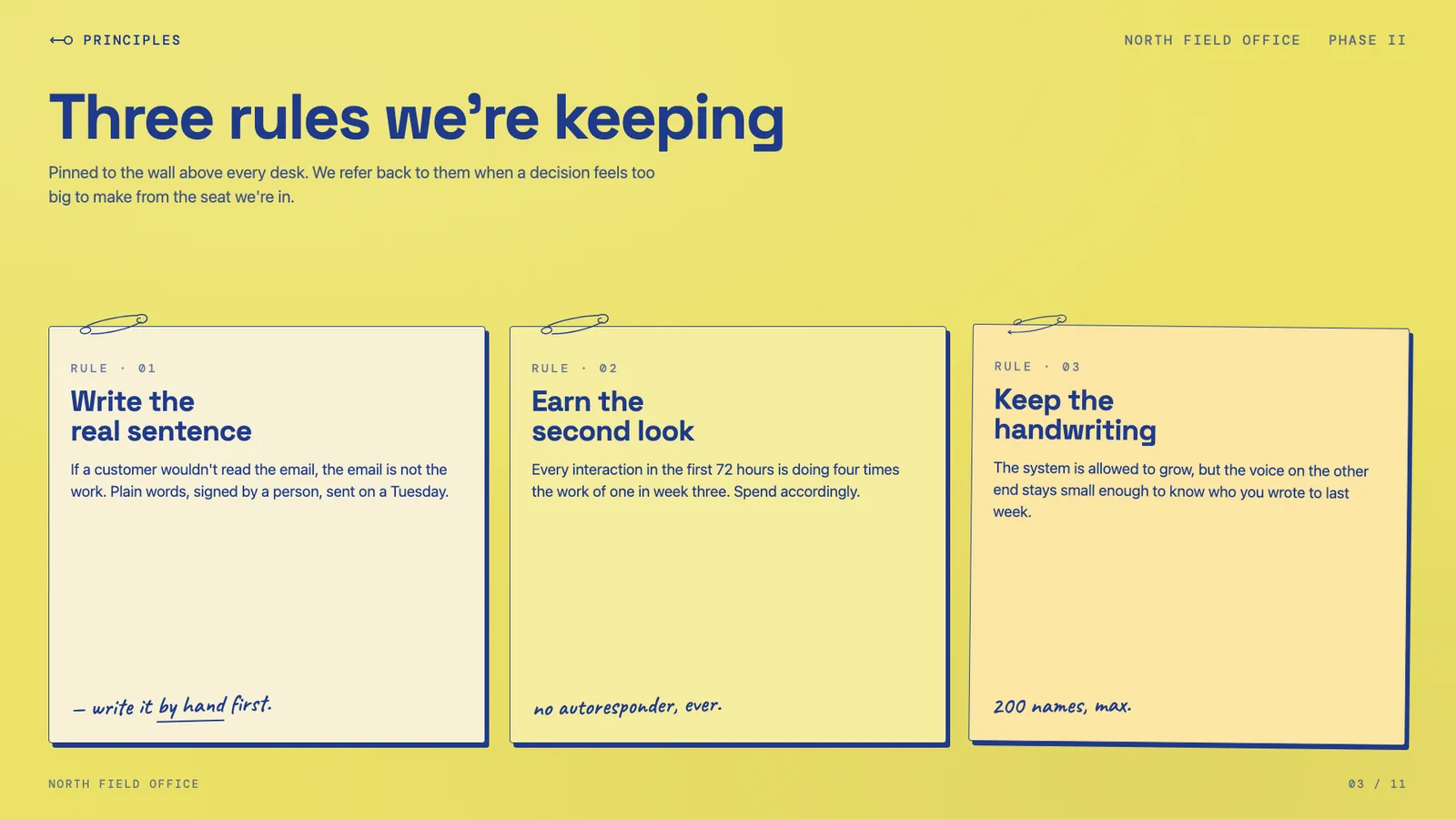
Yellow paper with safety-pin illustrations, ink-blue handwritten Caveat, paper-grain texture.
Sakura Chroma
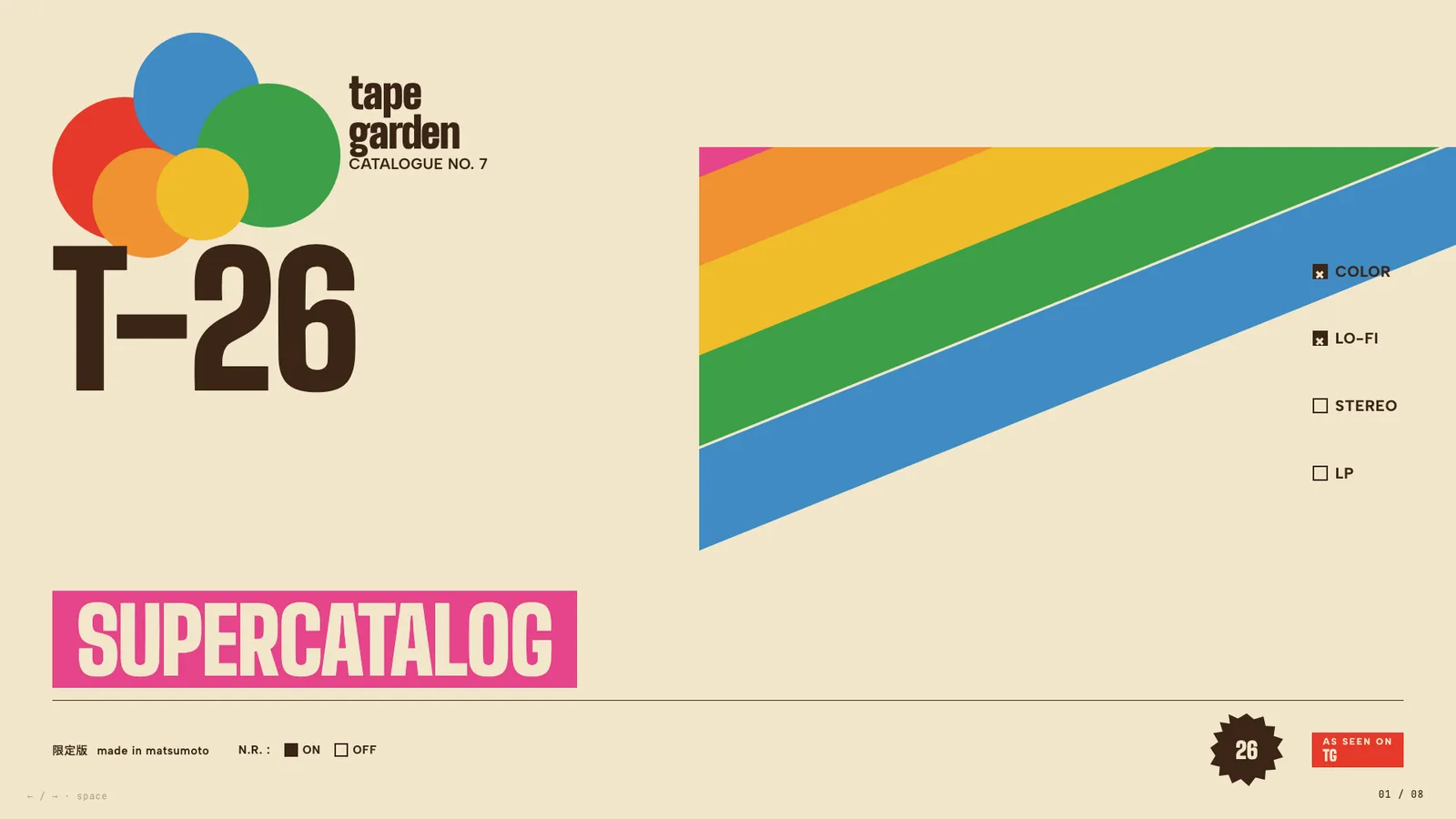
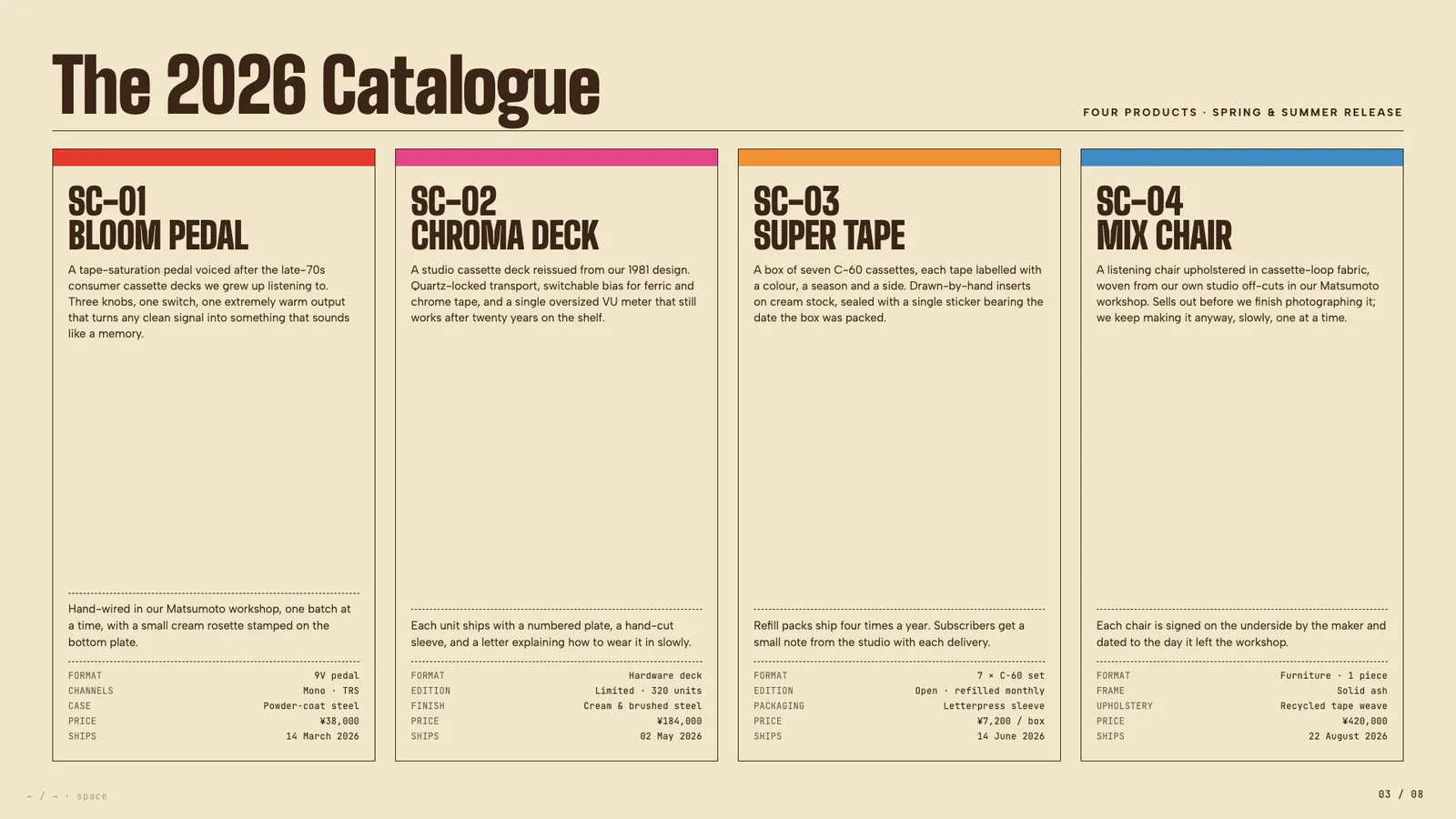
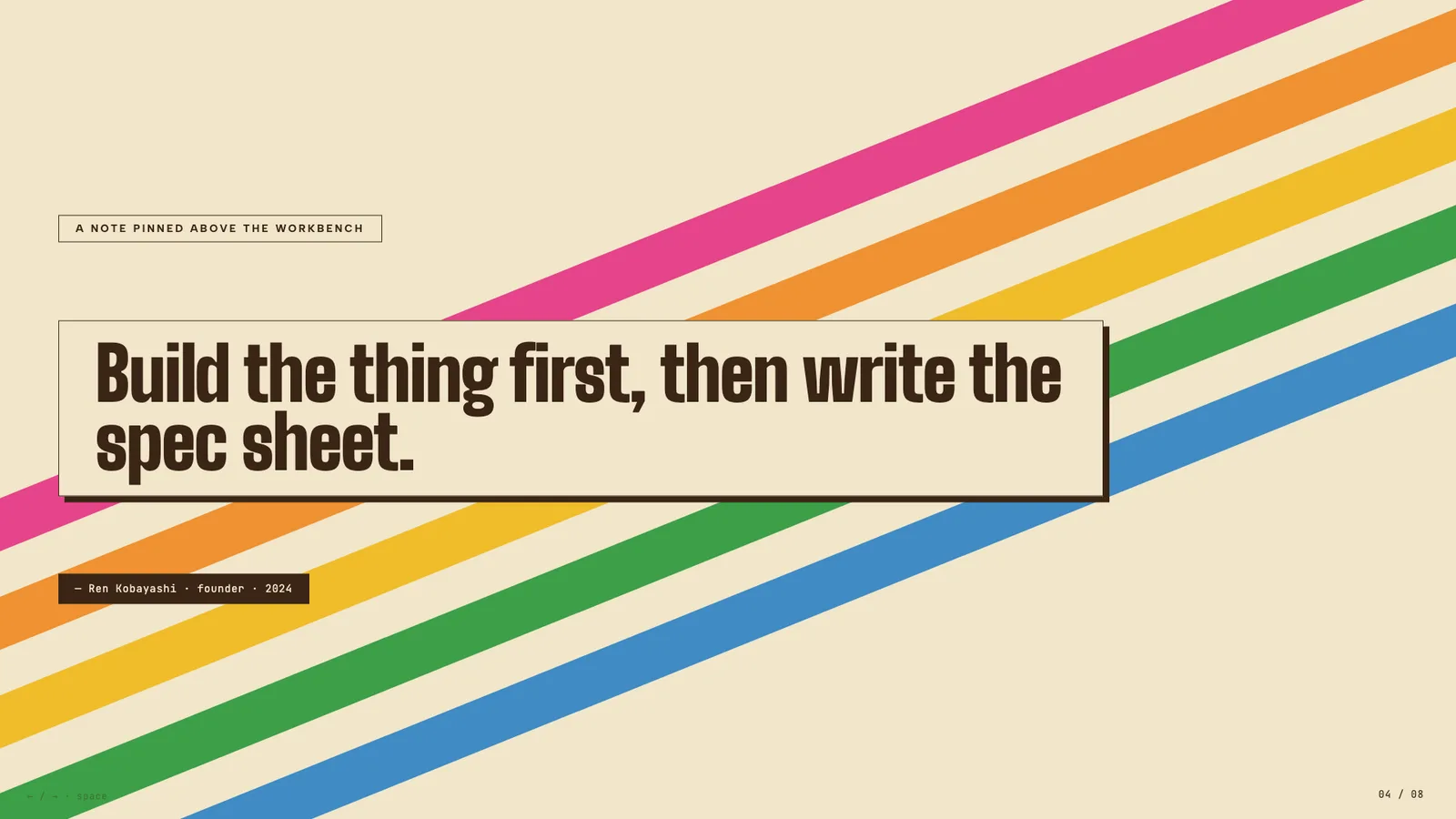
Vintage Japanese cassette-package aesthetic: cream paper, diagonal rainbow ribbons, condensed bold type, JIS-style spec checkboxes.
Stencil & Tablet
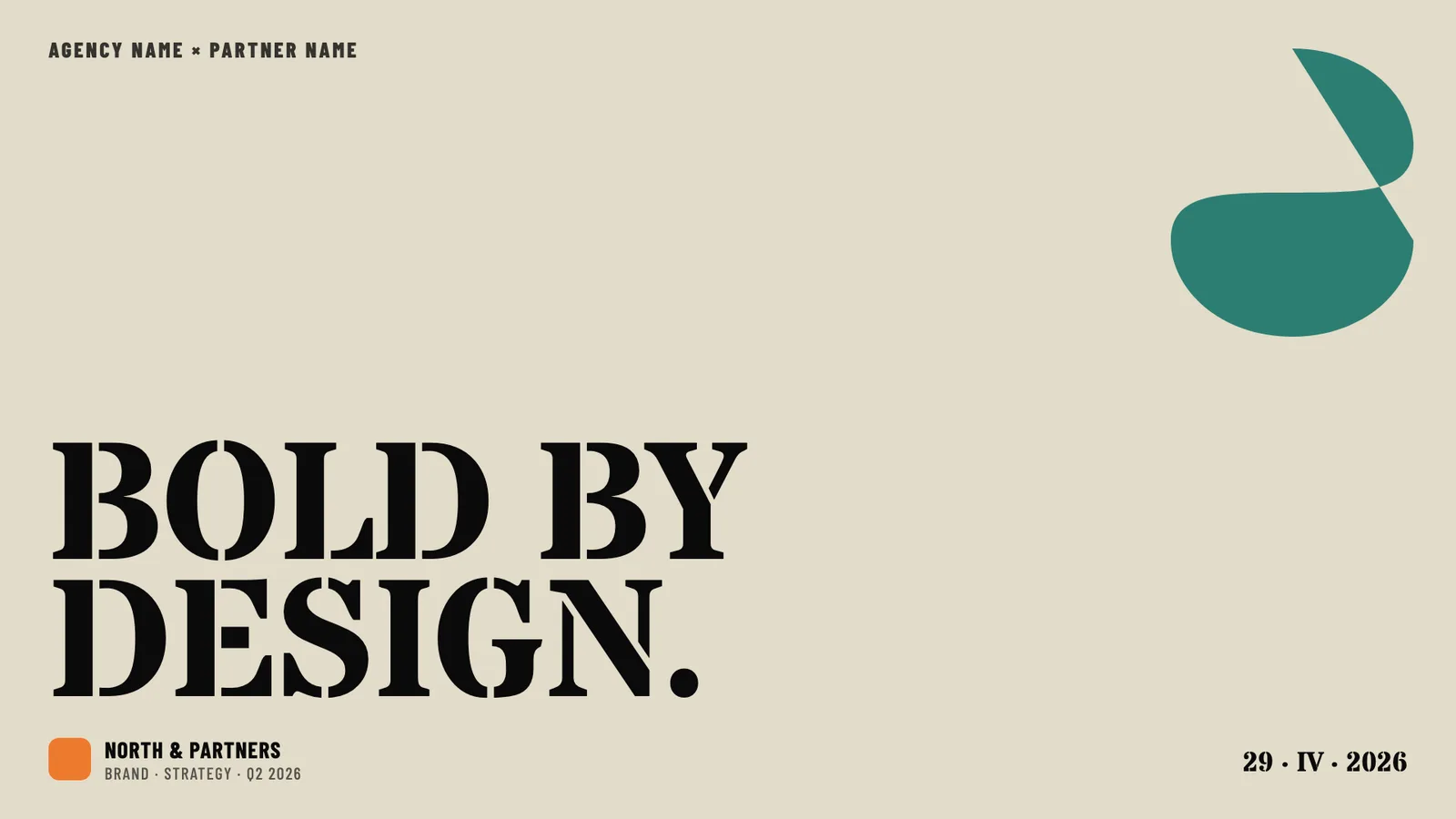
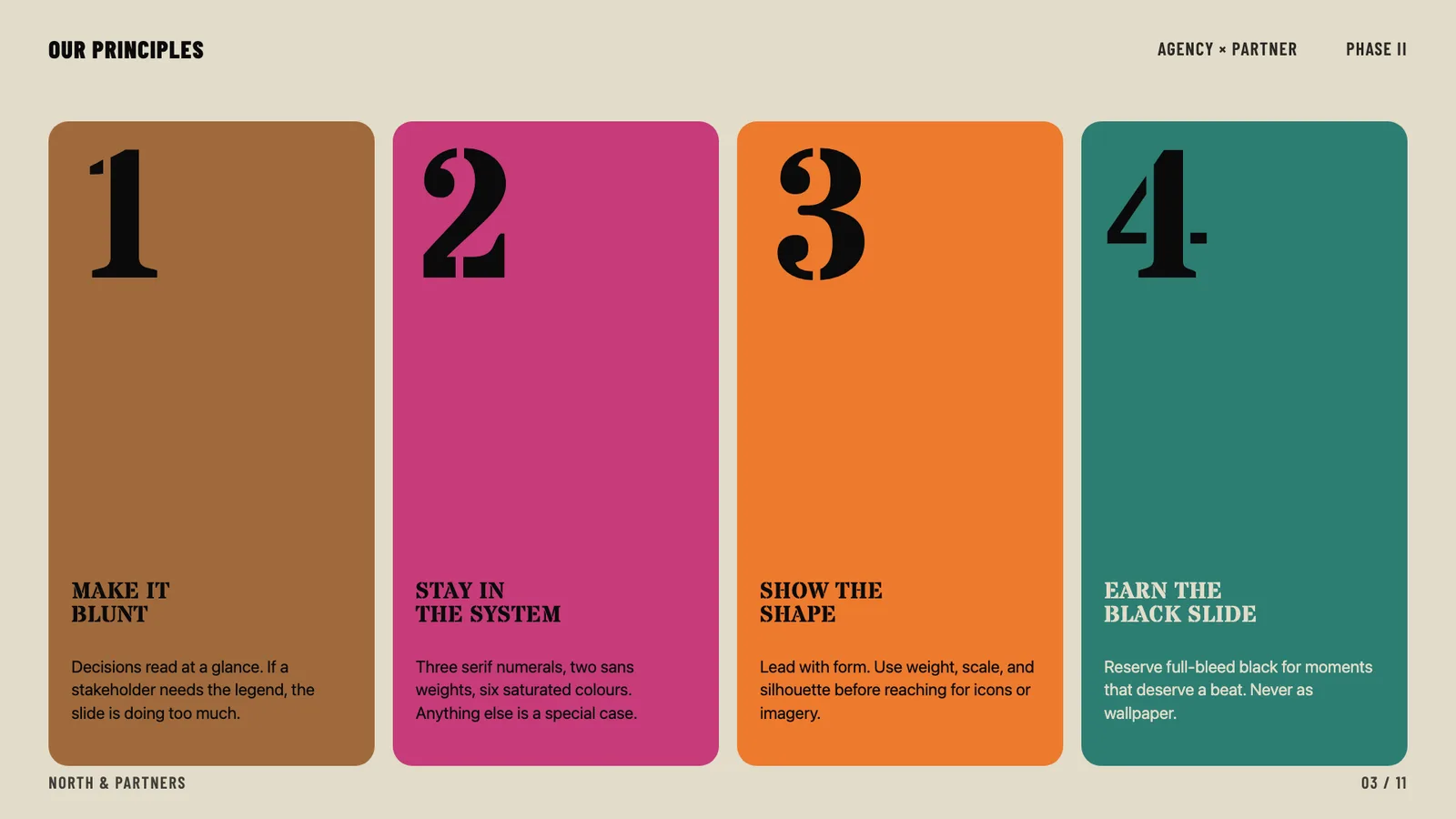
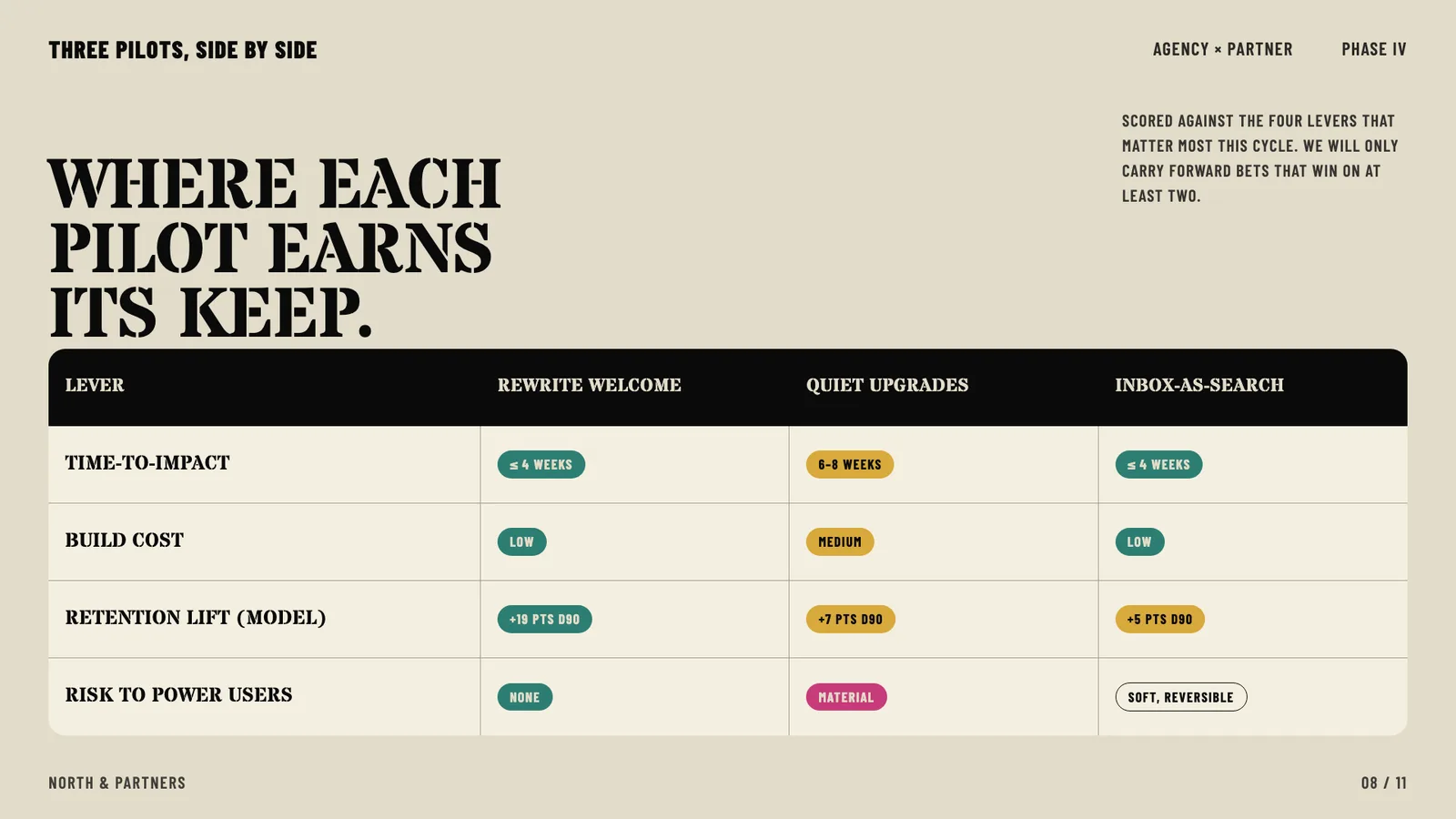
Bone paper with stencil-cut headlines and a six-color earth palette: archaeology meets brand.
Note: The remaining templates (such as Cobalt Grid, Vellum, Neo-Grid Bold, etc.) are also included in the 34 design systems but are not shown here with images.
Core Capabilities
- Zero Dependencies — Single HTML files with inline CSS/JS. No npm, no build tools, no frameworks.
- Visual Style Discovery — Can't articulate design preferences? No problem. Pick from generated visual previews.
- PPT Conversion — Convert existing PowerPoint files to web, preserving all images and content.
- Anti-AI-Slop — Curated distinctive styles that avoid generic AI aesthetics.
- Bold Template Pack — Optional 34 design-forward templates, loaded progressively with safe presets as default fallback.
- Production Quality — Accessible, fixed 16:9, well-commented code you can customize.
How It Works
Create a New Presentation
- Tell the skill your content (e.g., "I want to create a pitch deck for my AI startup").
- The skill asks about your content (slides, messages, images).
- It generates 3 visual style previews for you to compare, inferring the vibe from your brief (unless you already named one).
- You pick the visual direction.
- The skill creates the full presentation in your chosen style.
- Opens it in your browser.
Convert a PowerPoint
- You provide the PPT file.
- The skill extracts all text, images, and notes.
- Shows you the extracted content for confirmation.
- Lets you pick a visual style.
- Generates an HTML presentation with all your original assets.
What You Need to Provide
- A local coding agent with filesystem access and the ability to run shell commands (e.g., Claude Code or other agents that support skills).
- For PPT conversion: Python with the
python-pptxlibrary. - For deploying to a live URL: Node.js and a Vercel account (free).
- For exporting to PDF: Node.js (Playwright installs automatically).
What You Get
- A standalone HTML file (or multi-file presentation) with inline CSS/JS, fixed 16:9 aspect ratio, customizable.
- Optionally: deployment to a shareable permanent URL.
- Optionally: export to PDF (static snapshot; animations are not preserved).
Included Styles
Dark Themes
- Bold Signal — Confident, high-impact, vibrant card on dark
- Electric Studio — Clean, professional, split-panel
- Creative Voltage — Energetic, retro-modern, electric blue + neon
- Dark Botanical — Elegant, sophisticated, warm accents
Light Themes
- Notebook Tabs — Editorial, organized, paper with colorful tabs
- Pastel Geometry — Friendly, approachable, vertical pills
- Split Pastel — Playful, modern, two-color vertical split
- Vintage Editorial — Witty, personality-driven, geometric shapes
Specialty
- Neon Cyber — Futuristic, particle backgrounds, neon glow
- Terminal Green — Developer-focused, hacker aesthetic
- Swiss Modern — Minimal, Bauhaus-inspired, geometric
- Paper & Ink — Literary, drop caps, pull quotes
Bold Template Pack
Additionally, 34 optional bold design systems from beautiful-html-templates, such as Neo-Grid Bold, Editorial Tri-Tone, Creative Mode, Broadside, Signal, Vellum, and more.
During style discovery, the preview set includes:
- 1 safe preset from
STYLE_PRESETS.md - at least 1 bold template option from
bold-template-pack/selection-index.json - 1 wildcard option (either another bold template or a self-generated custom design)
Selection Guide
This skill is available as a Claude Code plugin (using /frontend-slides:frontend-slides command) or as a standalone skill for other coding agents. Other agents (such as Codex, Kimi Code, OpenCode, Gemini CLI, etc.) can use the SKILL.md file from this GitHub repository. If the agent can read GitHub repos, it should load SKILL.md and the referenced support files.
Notes
- Prerequisites: A local coding agent with filesystem access and shell command execution capability.
- PPT conversion: Requires Python and the
python-pptxlibrary. - Deployment: Requires Node.js and a Vercel account (free). The skill walks you through first-time login.
- PDF export: Requires Node.js; Playwright installs automatically. Animations are not preserved (static snapshot).
- Dependencies: The generated HTML file has no external dependencies, but deployment and export features rely on Node.js and Playwright.
- Limitation: This skill is not a standalone application; it requires a coding agent to run.
- Privacy: All processing is local; files are not uploaded to external services unless you actively choose to deploy to Vercel.