
esther-design-system
A personal brand design system and operational manual for AI, ensuring high-quality output by restricting AI's creative freedom.

Suggested prompts
About this skill
Personal Design Skill
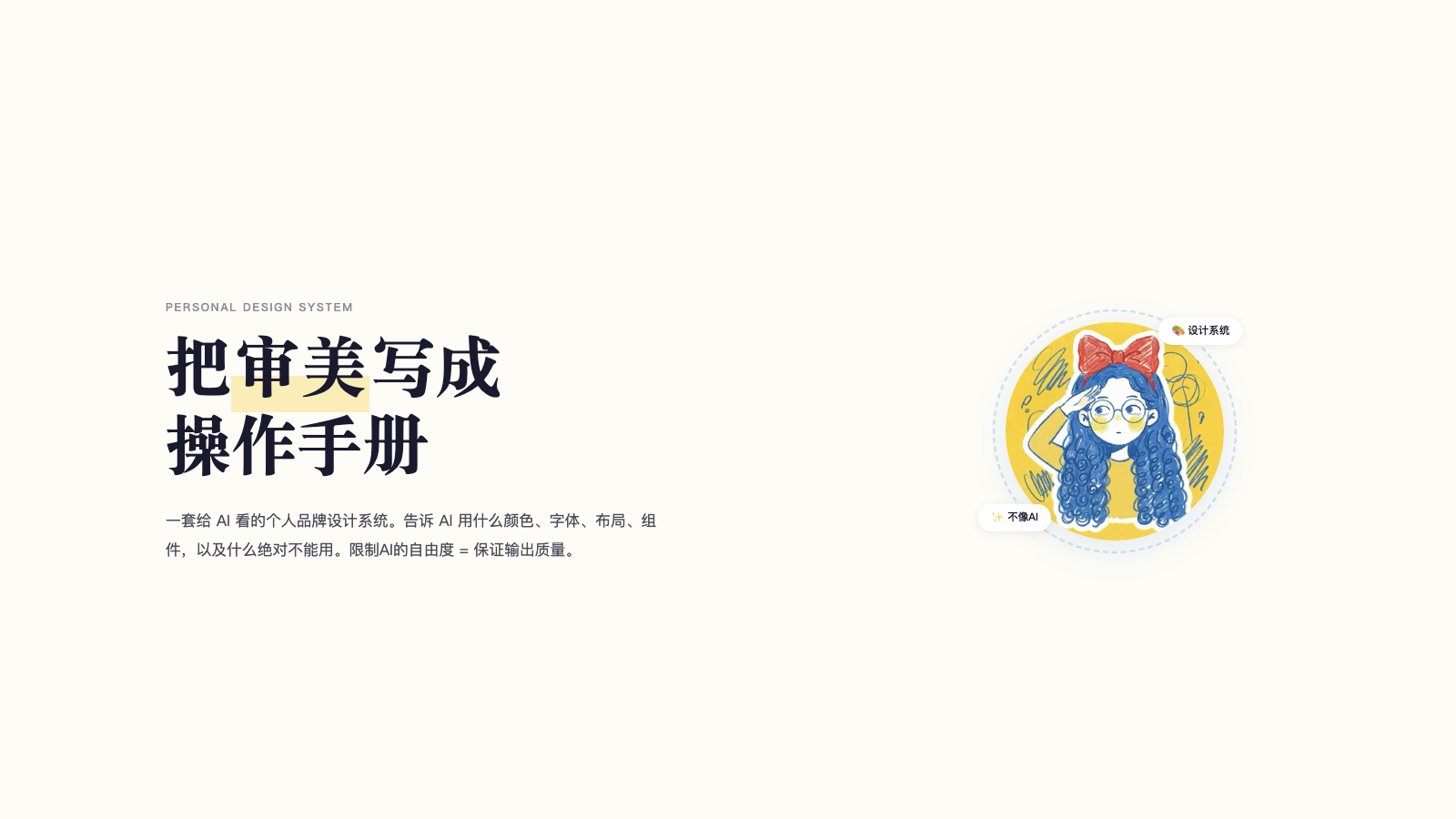
A personal brand design system built for AI. Turn your aesthetic into an operation manual that AI must follow every time it creates a page. Restricting AI's freedom = ensuring output quality.
⚠️ Before using, complete the configuration of
brand-dna.md: The default brand colors can be used directly. If you want to replace them with your own, update the template variables accordingly. Also, place your own avatar image.
Use Cases
- Tutorial pages (workshops, educational content)
- Event pages / Landing pages
- App-style functional pages
- Xiaohongshu (Little Red Book) image cards (3:4 ratio)
- WeChat public account layouts (magazine-style)
- Layout exploration and component preview
Preview
Here are real pages generated with this system, viewable online:
- Tutorial – Workshop page: Online Preview
- Tutorial – Design Skill breakdown: Online Preview
- Event / Landing page: Online Preview
- App-type / Functional page: Online Preview
- Xiaohongshu image cards: Online Preview
- WeChat public account layout: Online Preview
- Layout Playground (16 layouts): Online Preview
- Component library overview (51 components): Online Preview
Core Capabilities
- Predefined layout patterns: AI can only choose from 16 validated layouts, not invent its own.
- Component library: 51 reusable components; HTML default styles are prohibited.
- Brand colors and typography rules: Define primary, accent, and highlight colors along with font combinations. AI must strictly follow them.
- Quality checklist: P0 (must pass all), P1 (should pass), P2 (bonus) to ensure the output matches the brand identity.
- 7-step workflow: From asking questions to delivering HTML, each step has clear rules.
How It Works
- What you provide:
- Brand gene configuration (
brand-dna.md), including colors, fonts, personality keywords, and prohibitions. - An avatar image (placed in
assets/avatar.jpg). - Optional: replace the author name in templates, update color variables.
- Brand gene configuration (
- What AI does:
- Follows the 7-step workflow:
- Ask 5 questions (type, audience, number of screens, materials, constraints).
- Read
brand-dna.mdand the corresponding scene specification file. - Copy the appropriate template from
assets/. - Select 3-5 layouts from
layouts.md(each section must be different). - Select components from
components.md. - Self-check against
checklist.md; if P0 fails, redo. - Output an HTML file.
- Follows the 7-step workflow:
- What you get:
- An HTML file that opens directly in a browser, fully aligned with your brand style.
What You Need to Provide
The following configuration steps are required before use:
- Configure
brand-dna.md:- Default brand colors (primary
#2B7FD8, accent#F4D758, highlight#E84A5F) can be used as-is. To replace them:- Update the
:rootvariables inassets/template-*.html. - The WeChat public account template (
template-wechat.html) uses inline styles; search and replace color values manually (quick method: search for#2B7FD8and replace with your primary,#F4D758with your accent,#E84A5Fwith your highlight across all template files).
- Update the
- Default brand colors (primary
- Place your avatar: Save your avatar image to
assets/avatar.jpg. - Replace author name: In
assets/template-cards.html, replace the author name with your own.
What You Get
- A complete HTML page that can be opened in a browser without any extra setup.
- The page strictly follows your brand guidelines: colors, typography, layout, components, and personality.
- Supports multiple types: tutorials, events, apps, Xiaohongshu cards, WeChat public account layouts.
Usage Example
Send the repository link of your configured design system to your AI Agent and say:
Read this design system and follow its rules for all future pages.
The AI will then generate pages using the 7-step workflow and brand specifications.
Important Notes
Prerequisites
- You must complete the configuration of
brand-dna.md(default brand colors can be used, but it is recommended to replace them with your own). - You must place your own avatar (
assets/avatar.jpg).
Constraints
- AI cannot invent layouts → must choose from 16 predefined patterns.
- AI cannot use arbitrary colors → must use defined brand colors and extension rules.
- AI cannot write arbitrary styles → must select from the component library.
- AI must self-check after completion → go through the checklist item by item; if P0 fails, the output is rejected.
Quality Check Requirements
P0 (must pass all):
- Brand three-color ratio · No prohibited elements · No HTML default styles · Warm background · Serif + sans-serif mix · Responsive · Each section uses a different layout ·
clamp()fluid sizing · Screenshots won't be mistaken for generic AI output.
P1 (should pass):
- At least one visually surprising section · Extreme font size contrast · Scroll Reveal animation · Large decorative numbers/English text.
P2 (bonus):
- Image overflowing container · Dark panel breaking the rhythm · Restrained decorative elements ·
prefers-reduced-motion.
Prohibitions
- Blue-purple gradients · Glassmorphism · Neon · Bounce animations · Inter/Roboto · All sections centered · HTML default styles · Anything that looks like a generic AI-generated template.
License
This design system is licensed under CC BY-NC-SA 4.0.
- ✅ You are free to use, modify, and share
- ✅ Must attribute: ESTHER不二 (esthersjw)
- ❌ Commercial use is prohibited
- 🔄 Modified versions must be shared under the same license